
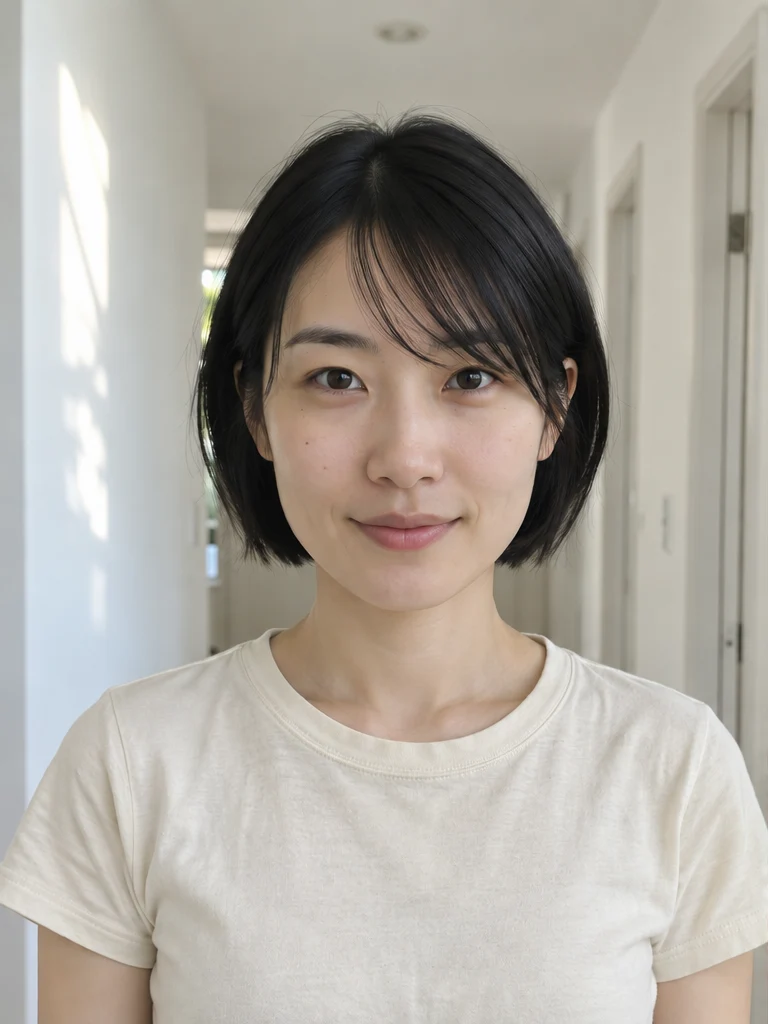
Upload your image
Choose a clear JPG, PNG or WebP image, up to 10 MB. Your original file stays unchanged.
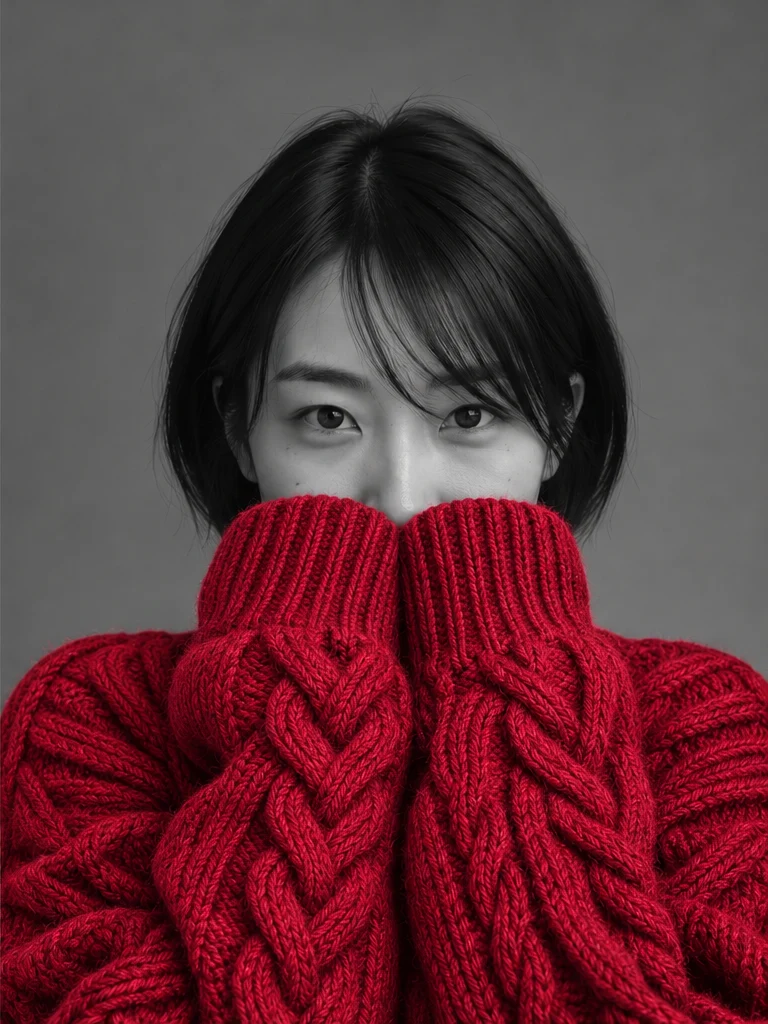
Turn a selfie into a black-and-white studio portrait. A chunky knit sweater is the only thing in color.
Attach a selfie in ChatGPT and paste this prompt. Choose a different sweater color above to update the prompt.
Use the attached selfie as the identity reference. Create one photorealistic, chest-up studio portrait in a vertical 3:4 frame at eye level. Keep the person's recognizable eyes, brows, face shape, hair and age. Dress them in an oversized cranberry red cable-knit sweater with thick yarn and visible braided stitches. Bring both long sleeves up to cover the hands, mouth and tip of the nose, leaving both eyes clearly visible and looking toward the camera. Keep the sweater as the only colored area. Render the eyes, skin, hair and plain studio backdrop in neutral grayscale, with no color cast. Use soft side lighting, natural skin texture and clear knit detail. No lettering or logos.
Start with a clear photo of one person facing the camera. Well-lit eyes and a visible hairline give the AI better references for the studio portrait.
Choose a clear JPG, PNG or WebP image, up to 10 MB. Your original file stays unchanged.
Choose cranberry red, emerald green or cobalt blue. Check the credit cost and generate your portrait.
Review the result in place, compare it with your upload, then download. Return to Examples whenever you like.
It’s a selective-color portrait made from a selfie. The face, eyes, hair and background go black and white. An oversized knit sweater stays in color, with its sleeves pulled up over the mouth and nose.
Sign in to Sevli to generate a portrait. The credit cost for one image is shown beside the generate button. You can copy the prompt without signing in.
Upload one JPG, PNG or WebP up to 10 MB. A front-facing, evenly lit selfie works best. Sevli adds the sweater and aims for a vertical 3:4 crop.
Open your result in the image editor to change the background, content or style.
Continue editing