Upload your image
Choose a clear JPG, PNG or WebP image, up to 10 MB. Your original file stays unchanged.
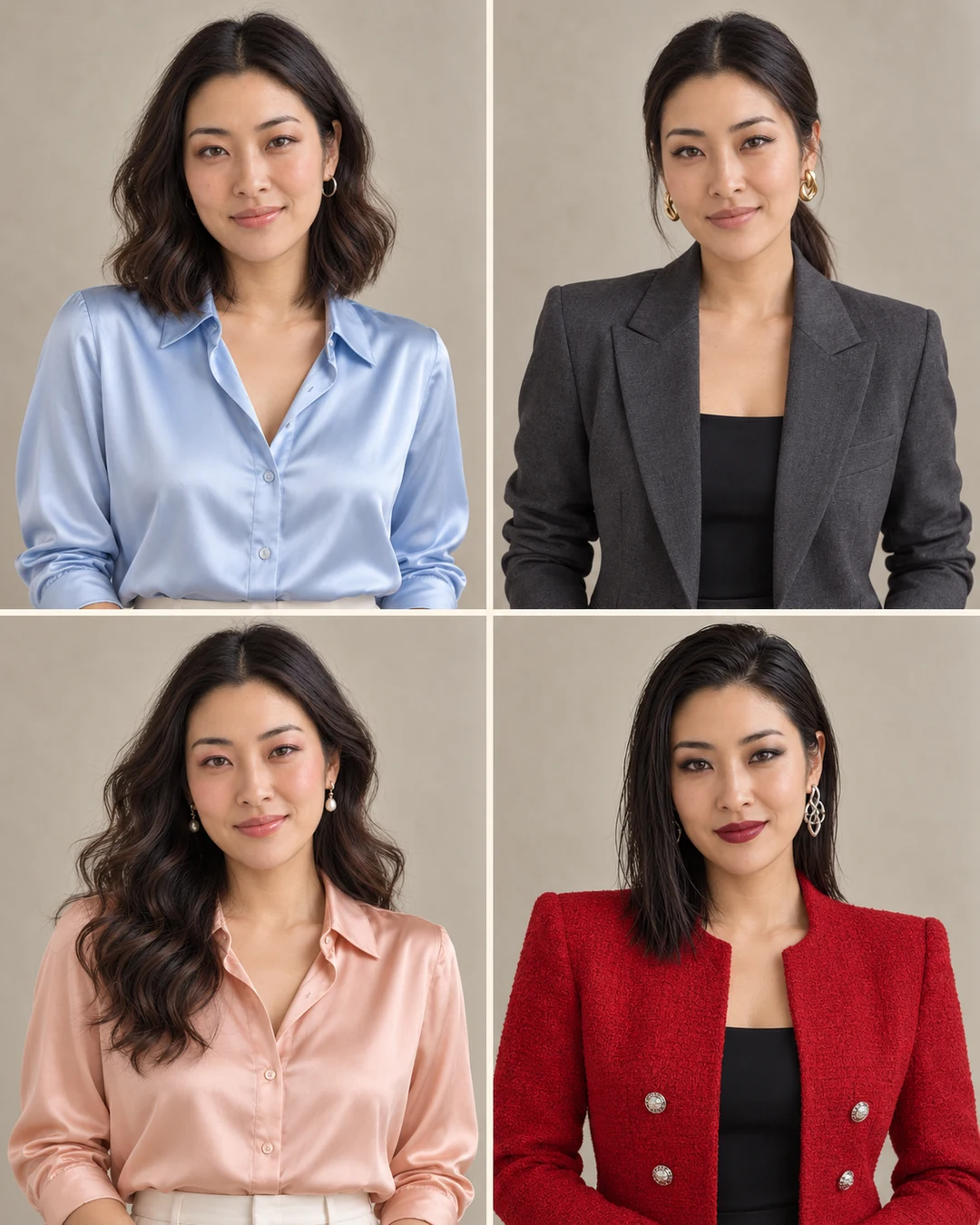
Explore coordinated makeup, hairstyles, outfits and accessories from one portrait. Generate a four-look style board or choose one complete look.
Sign in before adding your photos. You can explore the example effects now; your selected effect will be kept.
15 credits per image
Photos are sent for processing when you run a tool. Privacy details
 After
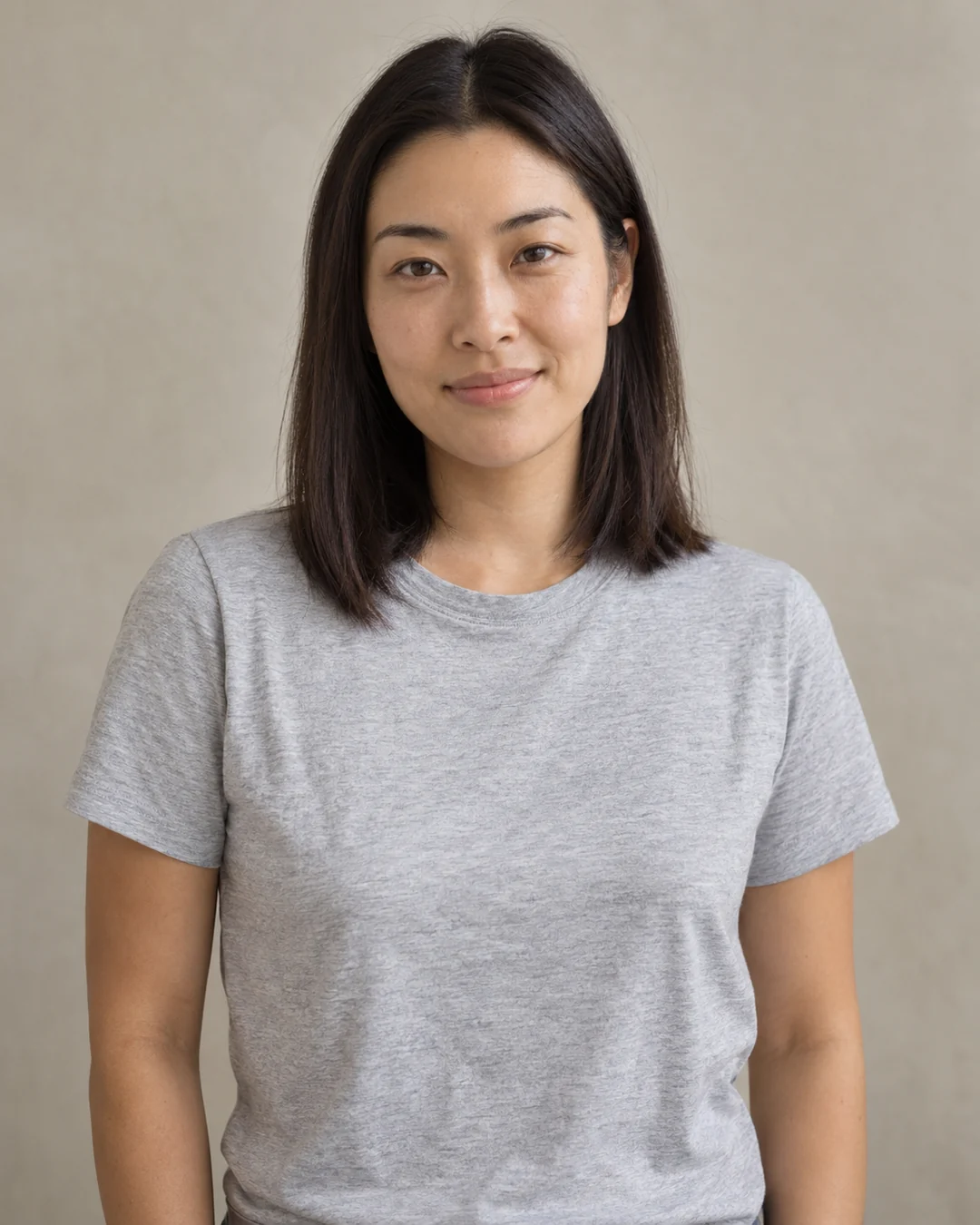
AfterUpload one portrait and choose the Four-look board to generate Fresh, Tailored, Romantic and Editorial directions in a single 2×2 image. You can also select one look for a single portrait. Each makeover coordinates makeup, hair, clothing and accessories. These are generated styling ideas, not a branded cosmetics simulation or a guide to real-world clothing fit.
Choose a clear JPG, PNG or WebP image, up to 10 MB. Your original file stays unchanged.
Choose the available options and generate. This is a single edit, with no model selection needed.
Review the result in place, compare it with your upload, then download. Return to Examples whenever you like.
The default board combines fresh, tailored, romantic and editorial looks in one 2×2 image. Each changes makeup, hair, clothing and accessories together.
These are creative styling ideas. Check that the face, age and skin tone remain recognizable; this is not a cosmetics or fit simulation.
Yes. The makeover acts as an AI outfit generator alongside makeup and hair ideas. It invents coordinated clothing and accessories; use Virtual try-on when you want to supply a specific garment.
A clear front-facing or slightly angled portrait with visible hair and shoulders. A simple outfit and natural light give the styling more room to change.
No. Each direction coordinates makeup, hairstyle, outfit and accessories. Choose Four-look board for all four directions in one image, or a single look for one portrait.
Makeover generates a coordinated styling idea. Hairstyle focuses on hair with the original outfit as reference; Virtual try-on uses a garment image you upload.
These tools run one task at a time. Open Create to upload an image and refine it through conversation.
Open Create