
Upload your image
Choose a clear JPG, PNG or WebP image, up to 10 MB. Your original file stays unchanged.
Upload a person and a garment separately. Create an outfit preview with both references in one operation.
Sign in before adding your photos. You can explore the example effects now; your selected effect will be kept.
15 credits per image
Photos are sent for processing when you run a tool. Privacy details
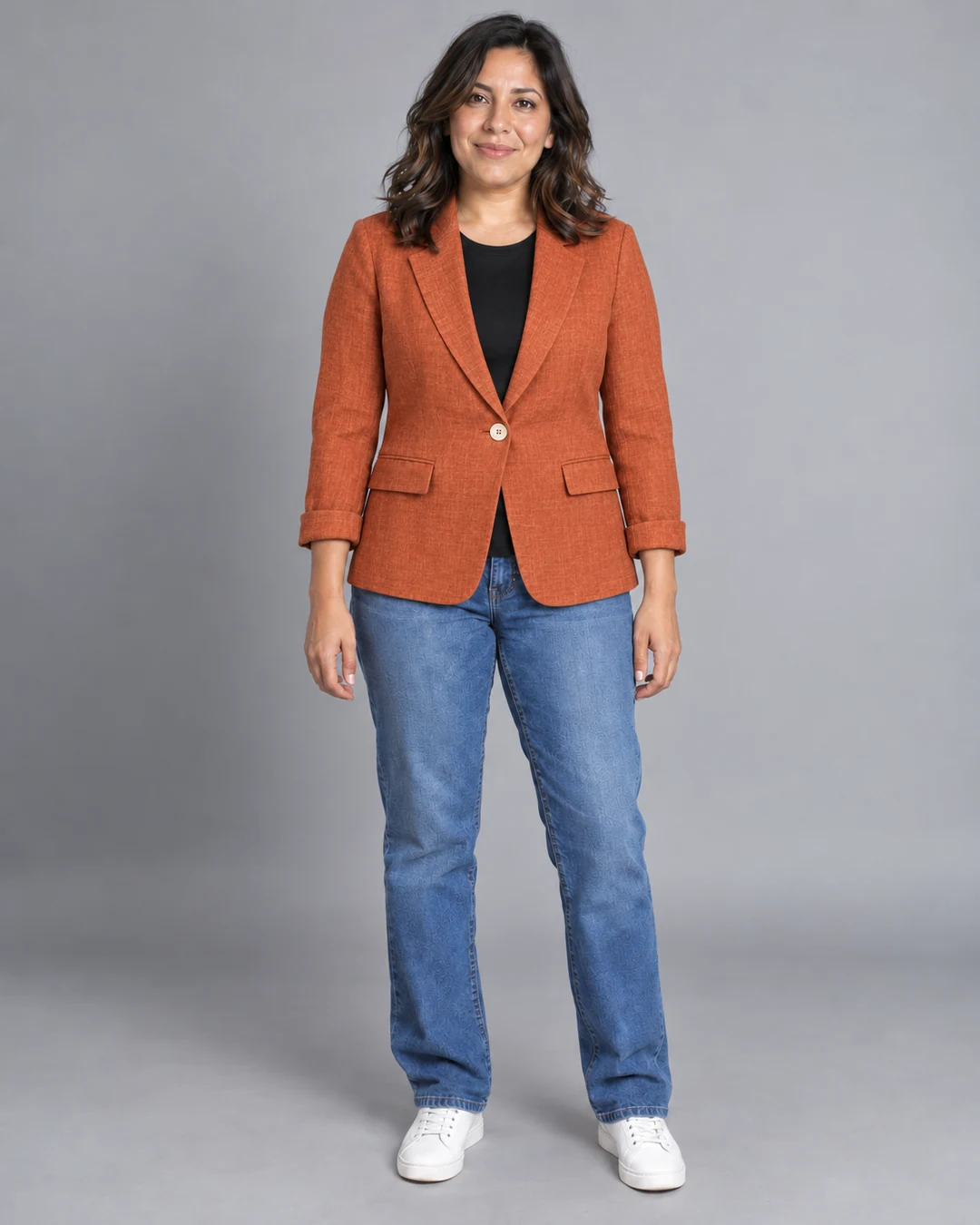
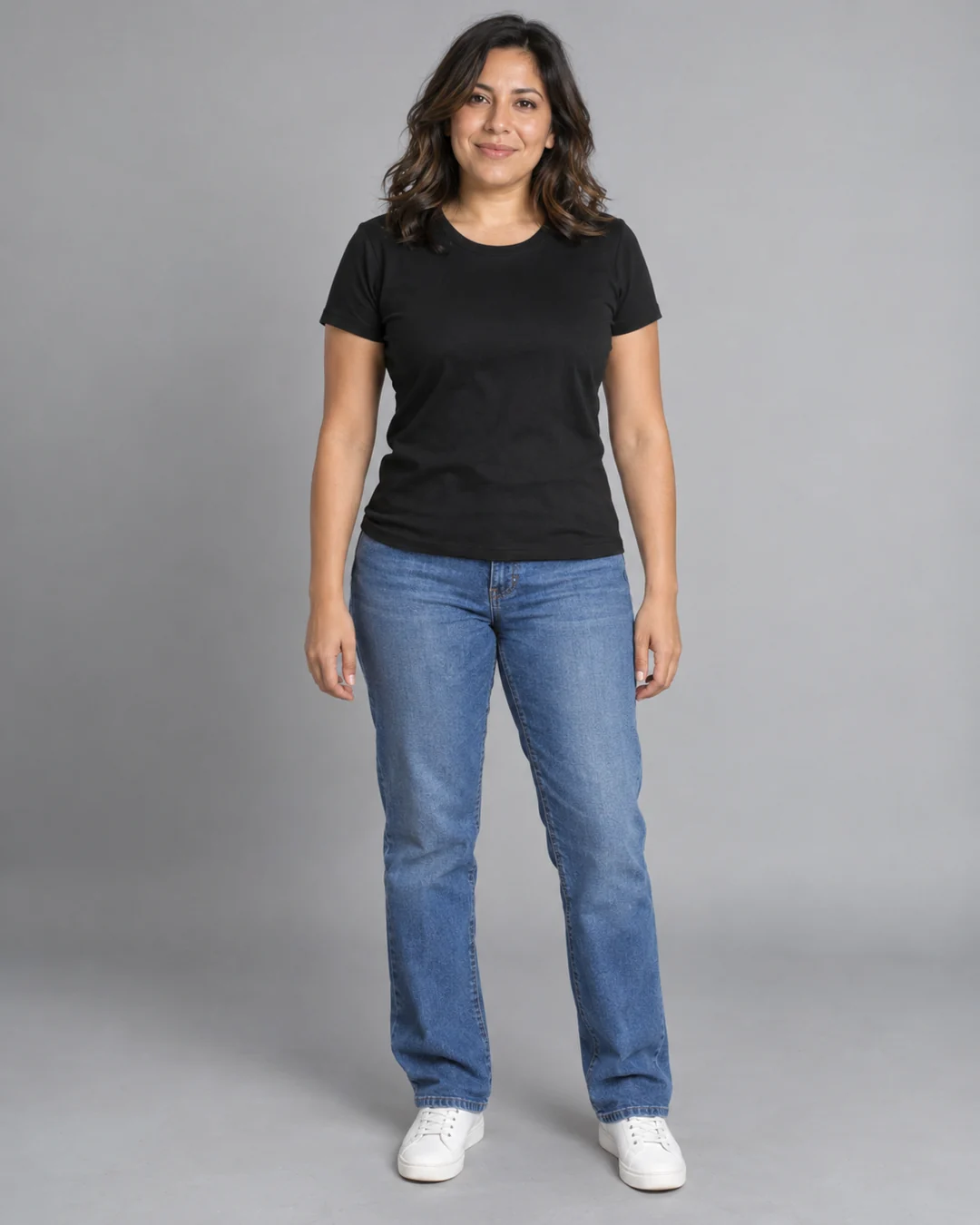
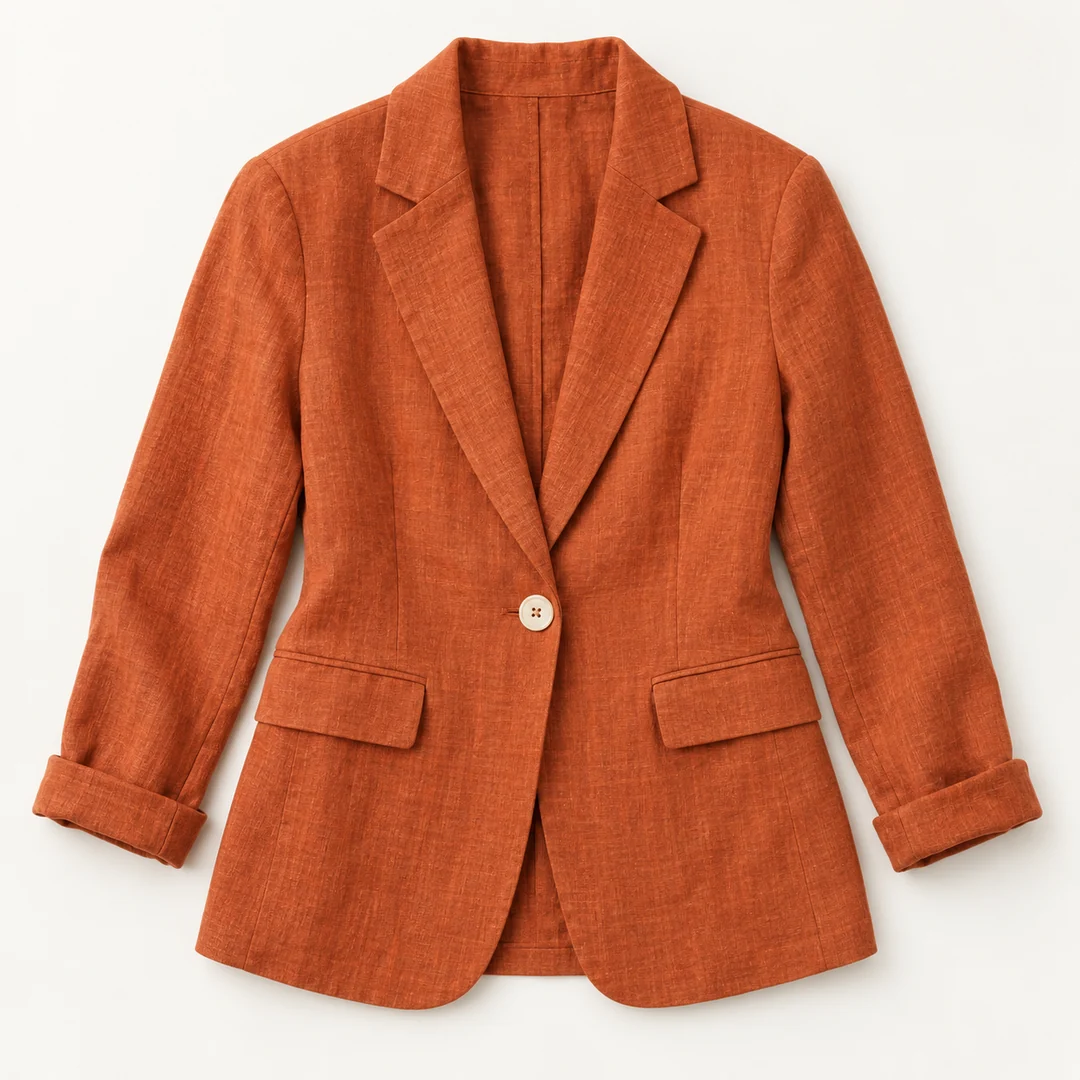 After
AfterUpload two images: a person photo and a garment photo. Generate an outfit preview using both references, then compare and download the result. This virtual try-on changes the clothing appearance rather than measuring the body. It does not recommend a size or guarantee fit, drape, color accuracy or how the garment will look when worn in real life.
Choose a clear JPG, PNG or WebP image, up to 10 MB. Your original file stays unchanged.
No preset or prompt is needed. Check the displayed credits, then generate the single edit.
Review the result in place, compare it with your upload, then download. Return to Examples whenever you like.
Upload the person first and the garment separately. A clear view of both gives AI better references for clothing shape, pattern and placement.
Garment prints, seams and fit may vary. This is a visual concept, not a reliable sizing or fit measurement.
Check the neckline, prints, seams and visible proportions against your garment image. AI may interpret these details differently.
A clear person photo and a separate garment photo, each up to 10 MB.
Garment prints, seams and fit may vary. This is a visual concept, not a reliable sizing or fit measurement.
No. The output is a visual outfit preview, not a measurement or fit simulation. Check garment patterns and seams; use the seller’s sizing information for fit.
These tools run one task at a time. Open Create to upload an image and refine it through conversation.
Open Create