
Upload your image
Choose a clear JPG, PNG or WebP image, up to 10 MB. Your original file stays unchanged.
Turn a photo into watercolor, oil painting, anime or a pencil sketch while keeping its subject and composition.
Sign in before adding your photos. You can explore the example effects now; your selected effect will be kept.
15 credits per image
Photos are sent for processing when you run a tool. Privacy details
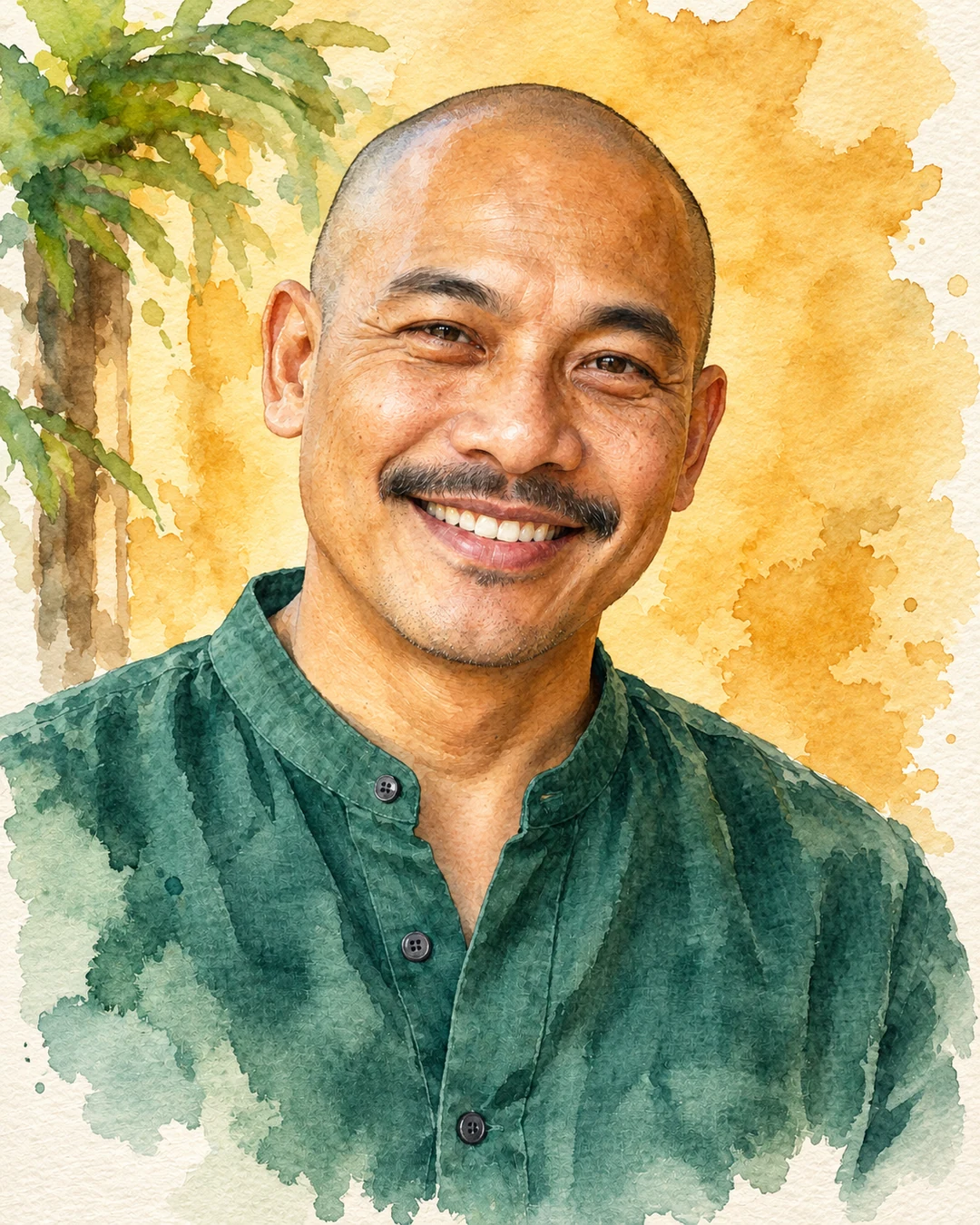
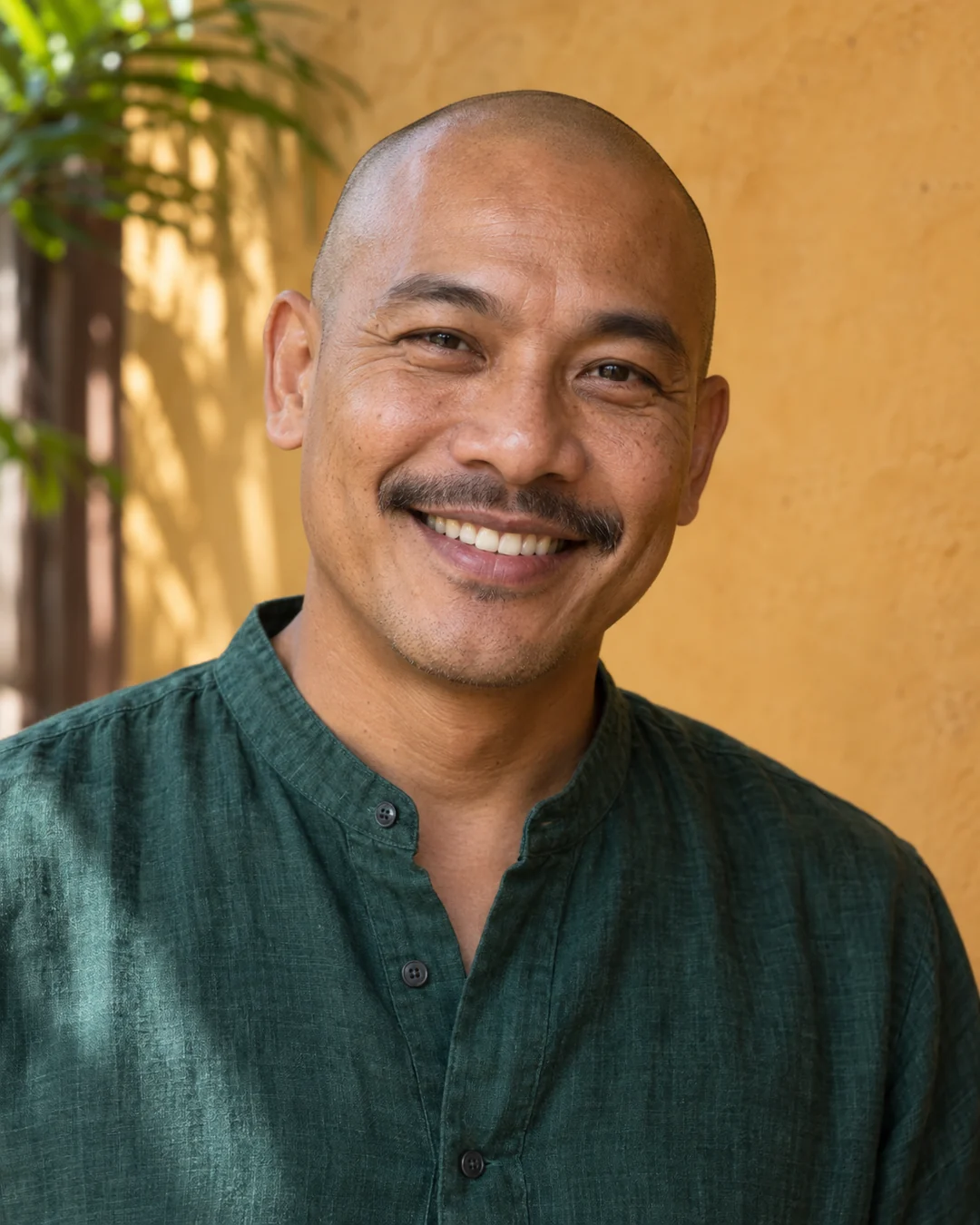 BeforeAfter
Upload a photo, choose Watercolor, Oil painting, Anime or Pencil sketch, and generate a downloadable image. Sevli asks AI to keep the subject and composition while changing the rendering style. This is a single preset edit with no prompt to write. Faces and fine details can change, so compare the result with your original.
Choose a clear JPG, PNG or WebP image, up to 10 MB. Your original file stays unchanged.
Choose the available options and generate. This is a single edit, with no model selection needed.
Review the result in place, compare it with your upload, then download. Return to Examples whenever you like.
Choose Watercolor to reinterpret the photo with soft washes and paper-like texture. Clear subjects and uncomplicated backgrounds give the style more room to show.
Choose Anime for illustrated outlines and stylized shading. The instructions use the original subject and pose as references, but facial and fine details may change.
Oil painting requests textured brushwork; Pencil sketch focuses on line and shading. Each preset generates one variation from your upload; compare it before downloading.
No. Select one of the four styles and generate. For custom instructions or further changes through conversation, open Create.
The instructions prioritize the subject and composition, but generative edits can change small details. Review faces, text and fine elements before using the result.
This tool requests the same subject and composition in a new medium. For a photo booth or expression grid, use Creative effects.
These tools run one task at a time. Open Create to upload an image and refine it through conversation.
Open Create