
Upload your image
Choose a clear JPG, PNG or WebP image, up to 10 MB. Your original file stays unchanged.
Isolate a person or product from its background and download a transparent PNG for your next design.
Sign in before adding your photos. You can explore the example effects now; your selected effect will be kept.
22 credits per image
AI background removal may redraw fine details. Compare edges, logos and small text with your original before use.
Photos are sent for processing when you run a tool. Privacy details
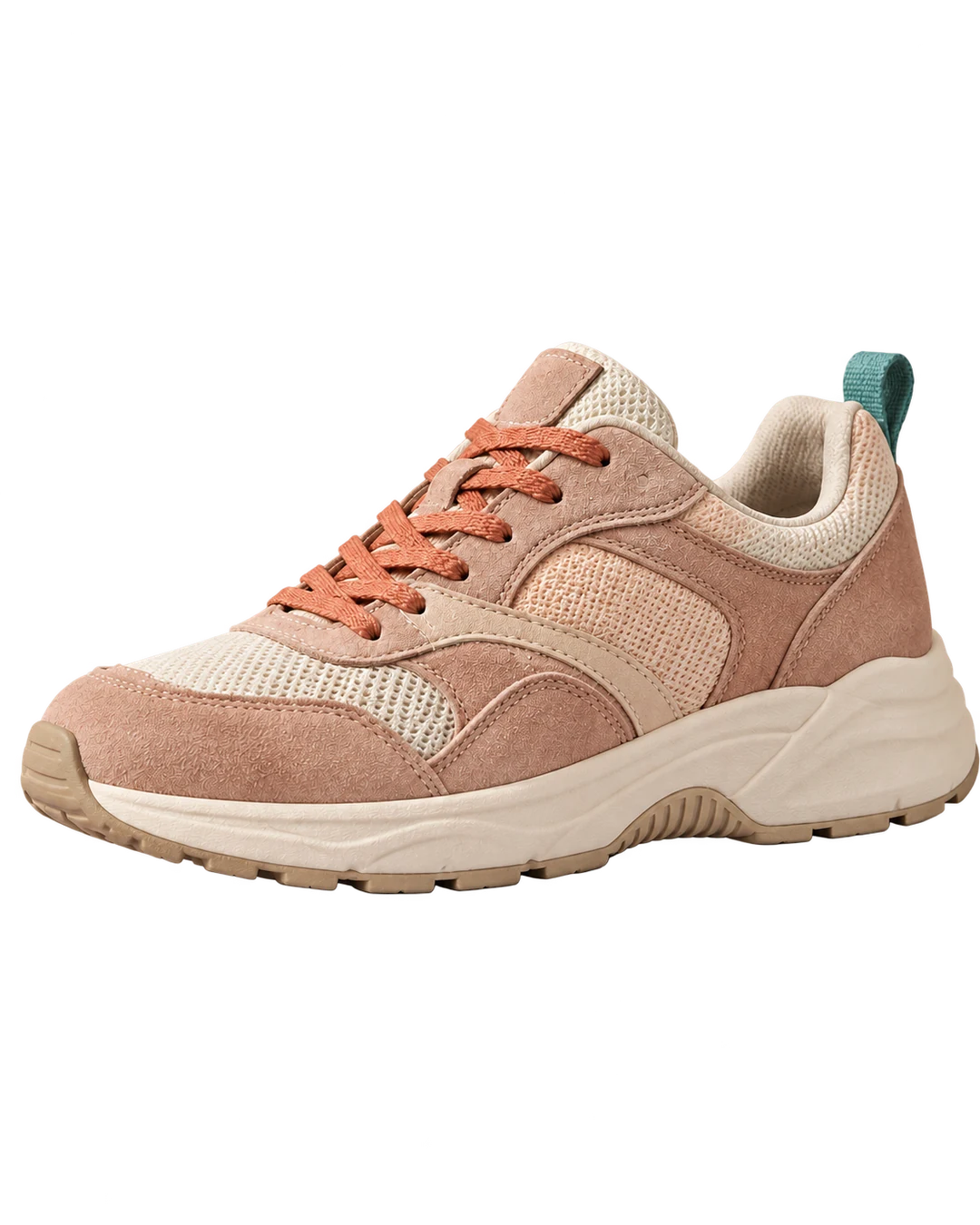
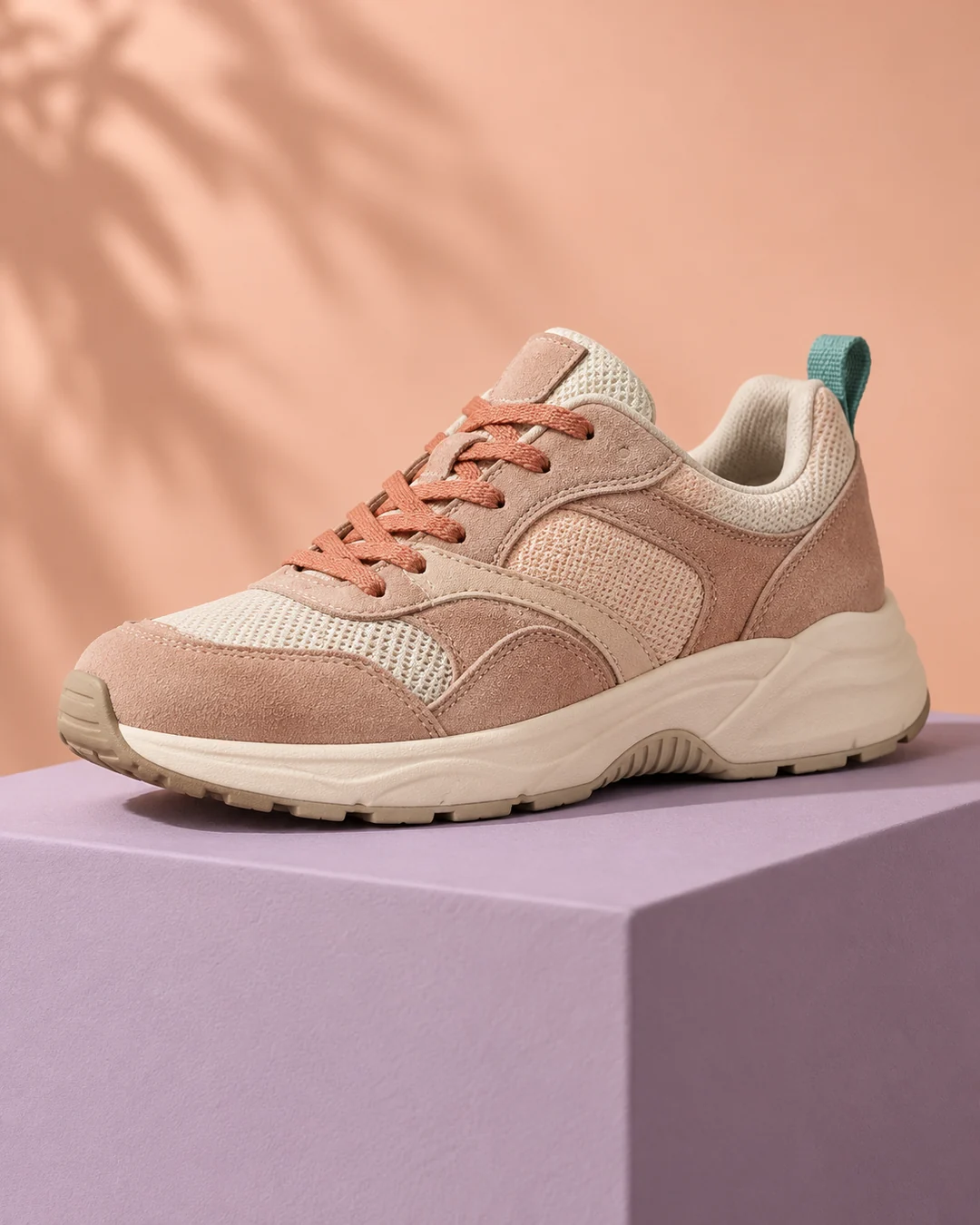 BeforeAfter
Upload a clear portrait or product photo and generate; this tool has no preset or prompt to choose. Download the result as a transparent PNG. The checkerboard only shows transparency in the preview. Generative editing can redraw fine subject details, so inspect hair, glass, labels and edges before using the cutout in another design.
Choose a clear JPG, PNG or WebP image, up to 10 MB. Your original file stays unchanged.
No preset or prompt is needed. Check the displayed credits, then generate the single edit.
Review the result in place, compare it with your upload, then download. Return to Examples whenever you like.
Download a transparent PNG to place a person or product in a new layout. To generate a new city, beach or studio scene instead, use Background replacement.
Use the transparent PNG on a product card, presentation or a new background.
Upload a clear image with a recognizable foreground. There is no prompt to write.
No. The grid indicates transparency in the preview. The downloaded PNG uses transparent pixels where the background was removed.
People and products with clear edges and good contrast work best. Fine hair, glass, shadows or multiple overlapping subjects can need closer review.
This tool removes the background. For a city, beach or studio scene, use Replace background; for product studio and white-background images, use Product photography.
These tools run one task at a time. Open Create to upload an image and refine it through conversation.
Open Create