
Upload your image
Choose a clear JPG, PNG or WebP image, up to 10 MB. Your original file stays unchanged.
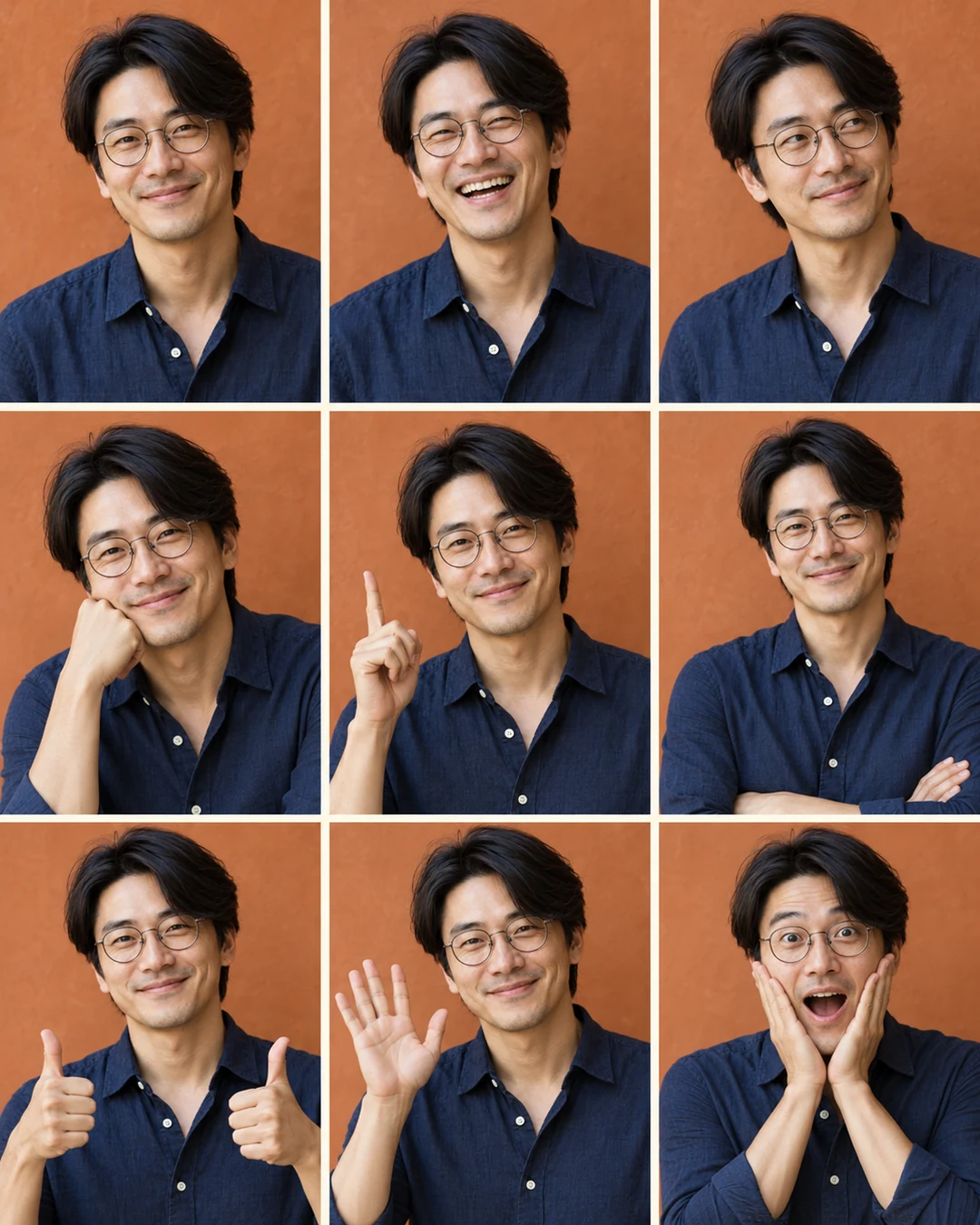
Make a 3×3 photo booth, an expression sheet or a pet figurine from one reference image. One preset, one generation.
Sign in before adding your photos. You can explore the example effects now; your selected effect will be kept.
15 credits per image
Photos are sent for processing when you run a tool. Privacy details
 After
AfterUpload a portrait or pet photo and choose Photo booth, Expression sheet or Pet figurine. Sevli generates a 3×3 portrait grid, a 2×2 expression board or a collectible-style pet image, depending on the preset. These are new images, not a set of verified photographs; the figurine option does not produce a printable 3D model.
Choose a clear JPG, PNG or WebP image, up to 10 MB. Your original file stays unchanged.
Choose the available options and generate. This is a single edit, with no model selection needed.
Review the result in place, compare it with your upload, then download. Return to Examples whenever you like.
Photo booth makes a 3×3 pose grid; Expression sheet makes a 2×2 expression board; Pet figurine creates a collectible-style concept image.
Identity and details can vary between panels. A figurine is an image concept, not a downloadable 3D model.
Use a clear person photo for pose and expression grids, or a pet photo for the figurine concept.
A clear JPG, PNG or WebP image up to 10 MB. Choose a reference appropriate to this task.
Identity and details can vary between panels. A figurine is an image concept, not a downloadable 3D model.
No. The figurine preset produces an image concept, not a 3D file for printing. The photo booth and expression sheet presets also produce a single image.
These tools run one task at a time. Open Create to upload an image and refine it through conversation.
Open Create