
Upload your image
Choose a clear JPG, PNG or WebP image, up to 10 MB. Your original file stays unchanged.
Upload a product photo and create studio, white-background or botanical lifestyle images. Keep the product at the center.
Sign in before adding your photos. You can explore the example effects now; your selected effect will be kept.
15 credits per image
Photos are sent for processing when you run a tool. Privacy details

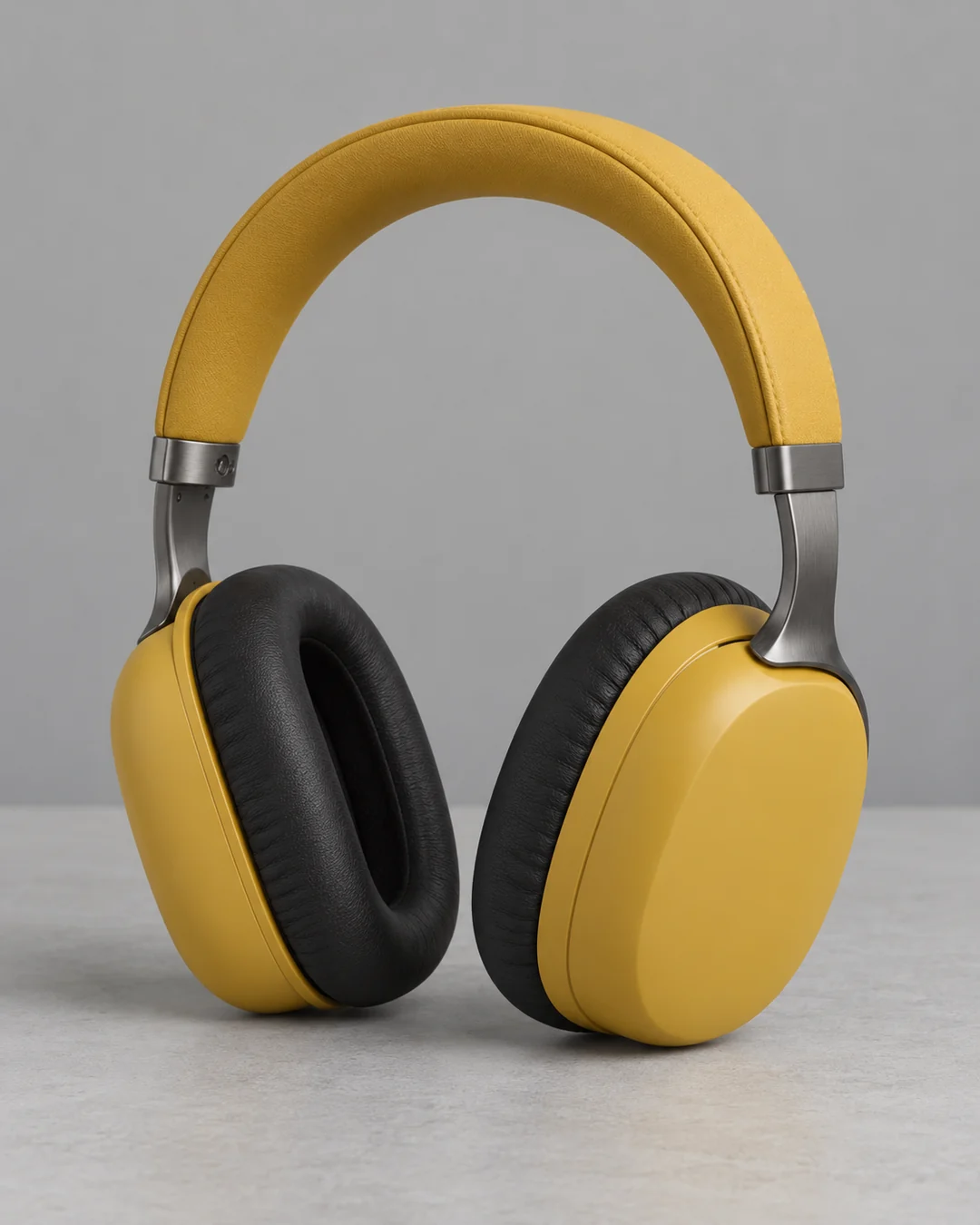 BeforeAfter
Upload a product photo, choose Studio, Botanical lifestyle or White background, and generate a new product image. Sevli uses the uploaded item as its visual reference while changing the scene and lighting. No prompt is needed. Packaging text, logos, reflections and shape can be redrawn, so check the result before using it in a listing or campaign.
Choose a clear JPG, PNG or WebP image, up to 10 MB. Your original file stays unchanged.
Choose the available options and generate. This is a single edit, with no model selection needed.
Review the result in place, compare it with your upload, then download. Return to Examples whenever you like.
Studio uses a composed advertising setting; White background creates a clean catalog image; Botanical lifestyle places the product among natural plants and light.
AI can alter fine logos, text or proportions. Review the result before using it commercially.
Use a sharp product photo with its full outline visible. A busy background or cropped packaging gives AI less information about the item.
A clear JPG, PNG or WebP image up to 10 MB. Choose a reference appropriate to this task.
AI can alter fine logos, text or proportions. Review the result before using it commercially.
Compare packaging text, logos, materials and proportions with your original. AI can redraw small details; the result is a visual draft for you to review.
These tools run one task at a time. Open Create to upload an image and refine it through conversation.
Open Create