
Upload your image
Choose a clear JPG, PNG or WebP image, up to 10 MB. Your original file stays unchanged.
Try a bob, pixie, waves or a high bun using your face, outfit and original scene as references.
Sign in before adding your photos. You can explore the example effects now; your selected effect will be kept.
15 credits per image
Photos are sent for processing when you run a tool. Privacy details
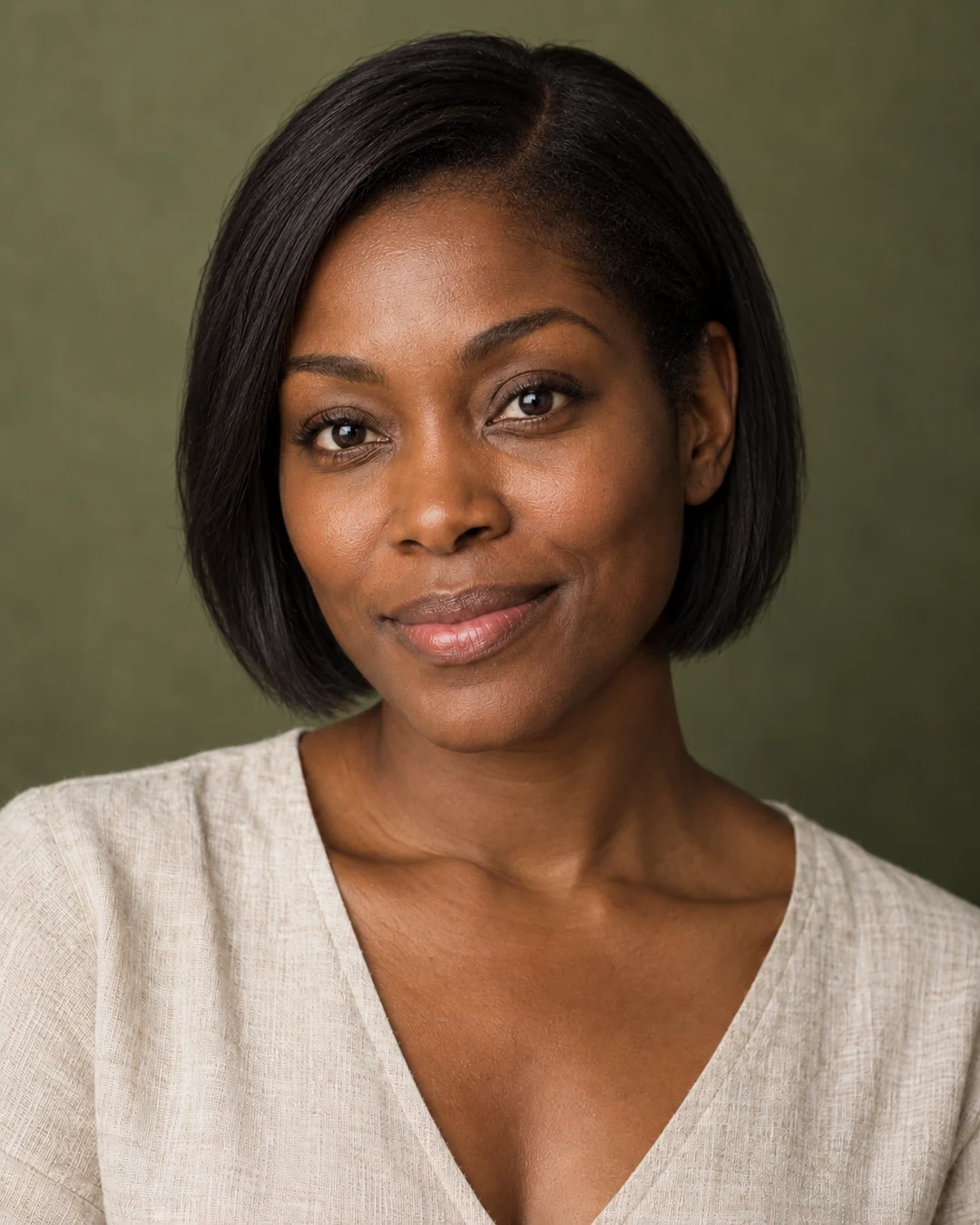
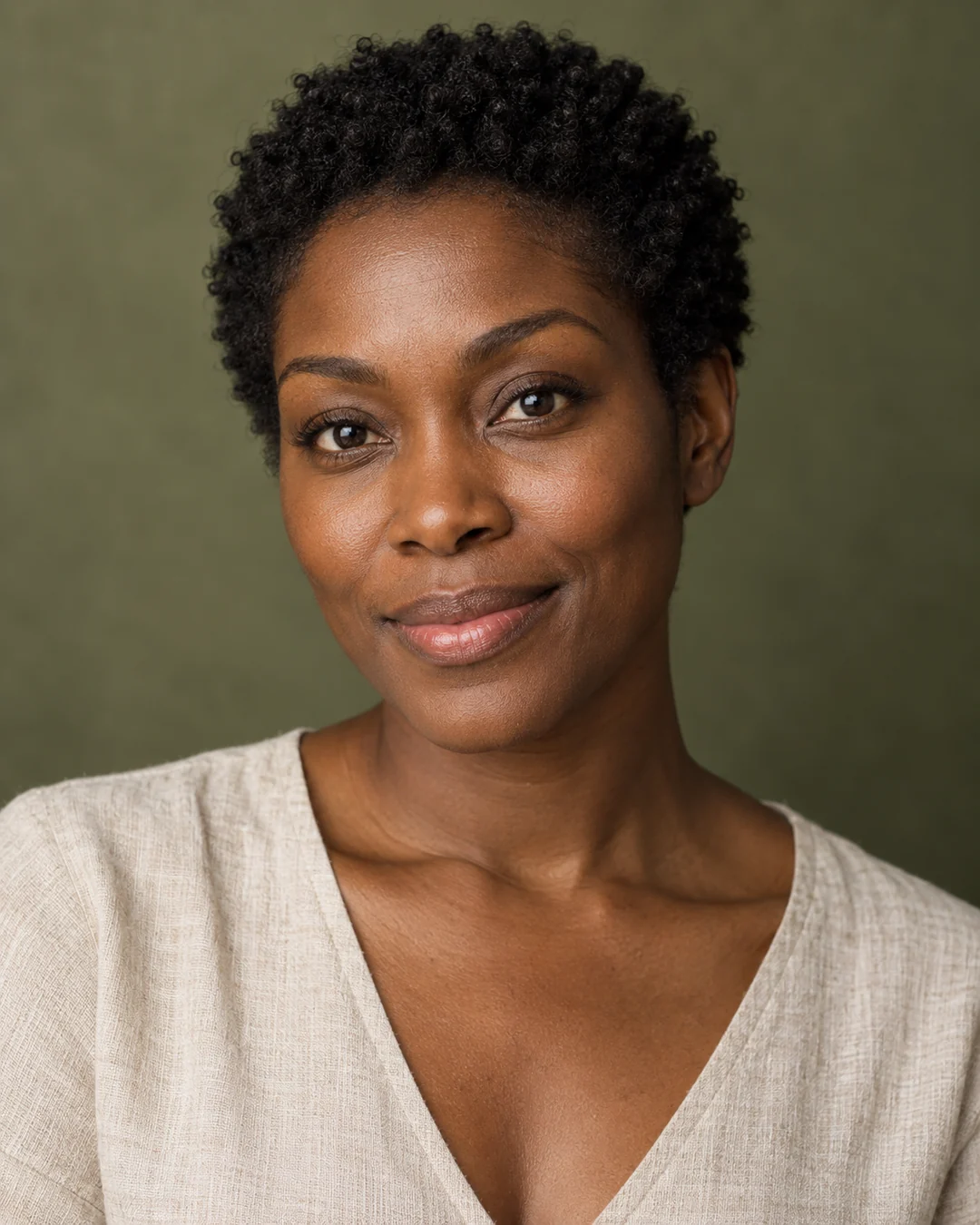 BeforeAfter
Upload a clear portrait, select Bob, Pixie, Waves or High bun, and generate a hairstyle preview. Unlike a complete makeover, this tool asks AI to focus on hair and keep your face, outfit and scene as references. The preview can change fine details and does not predict exactly how a salon cut will look on you.
Choose a clear JPG, PNG or WebP image, up to 10 MB. Your original file stays unchanged.
Choose the available options and generate. This is a single edit, with no model selection needed.
Review the result in place, compare it with your upload, then download. Return to Examples whenever you like.
Upload a portrait and choose Bob, Pixie, Waves or High bun to preview one style per generation. The tool asks AI to keep your face, outfit and scene as references. It works with uploaded photos, not a live camera filter, and has no hair-color or bangs selector.
Hairlines, face edges and strands may be imperfect. Use it for inspiration rather than an exact salon prediction.
Try a bob, pixie, waves or a high bun using your face, outfit and original scene as references.
A clear JPG, PNG or WebP image up to 10 MB. Choose a reference appropriate to this task.
Hairlines, face edges and strands may be imperfect. Use it for inspiration rather than an exact salon prediction.
The instructions focus on hairstyle and ask AI to keep your face, clothing and scene. For coordinated makeup, clothing and accessories, choose Style makeover.
These tools run one task at a time. Open Create to upload an image and refine it through conversation.
Open Create