
Upload your image
Choose a clear JPG, PNG or WebP image, up to 10 MB. Your original file stays unchanged.
Turn a portrait into a polished professional headshot. Choose a look and keep your identity as the visual anchor.
Sign in before adding your photos. You can explore the example effects now; your selected effect will be kept.
15 credits per image
Photos are sent for processing when you run a tool. Privacy details
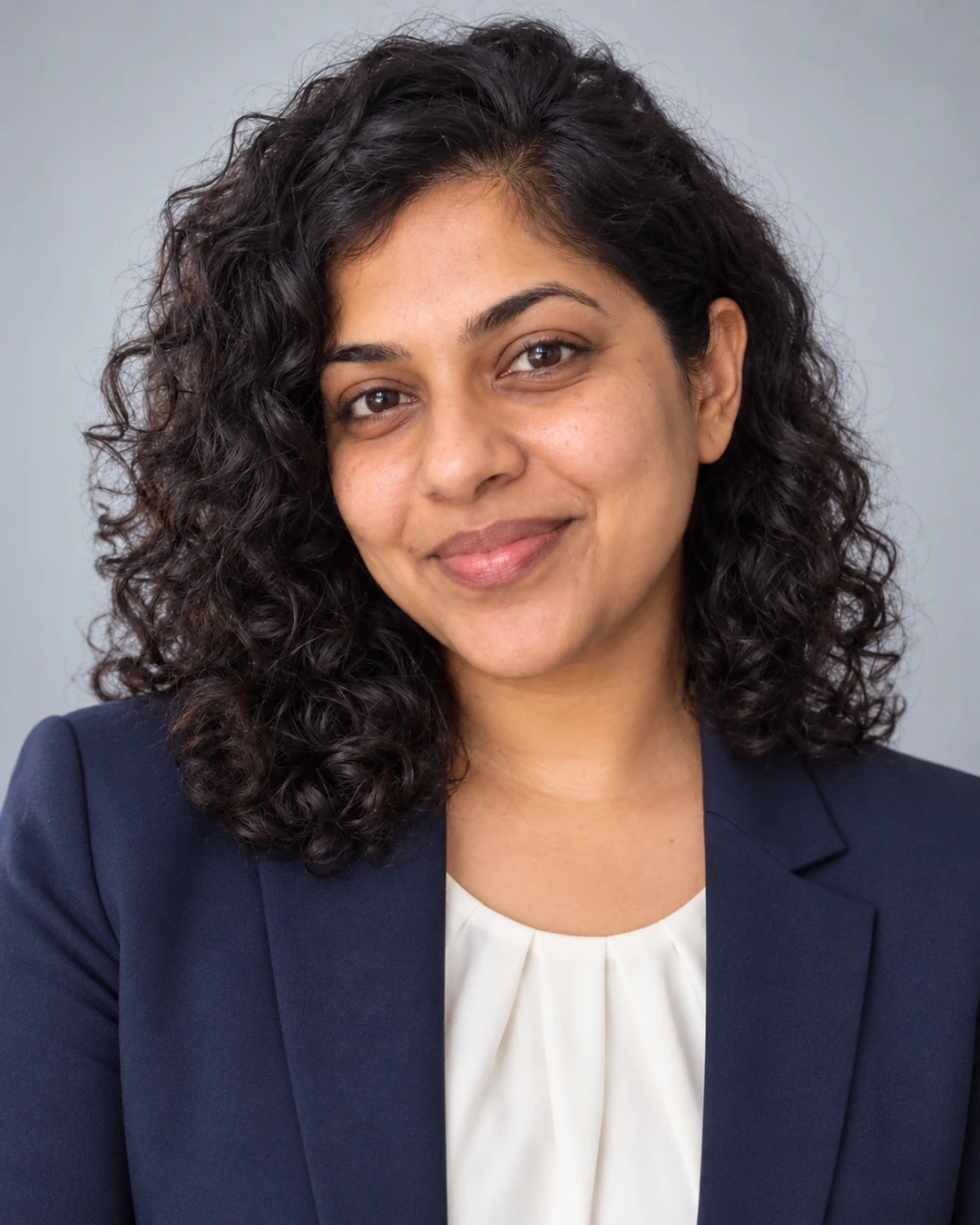
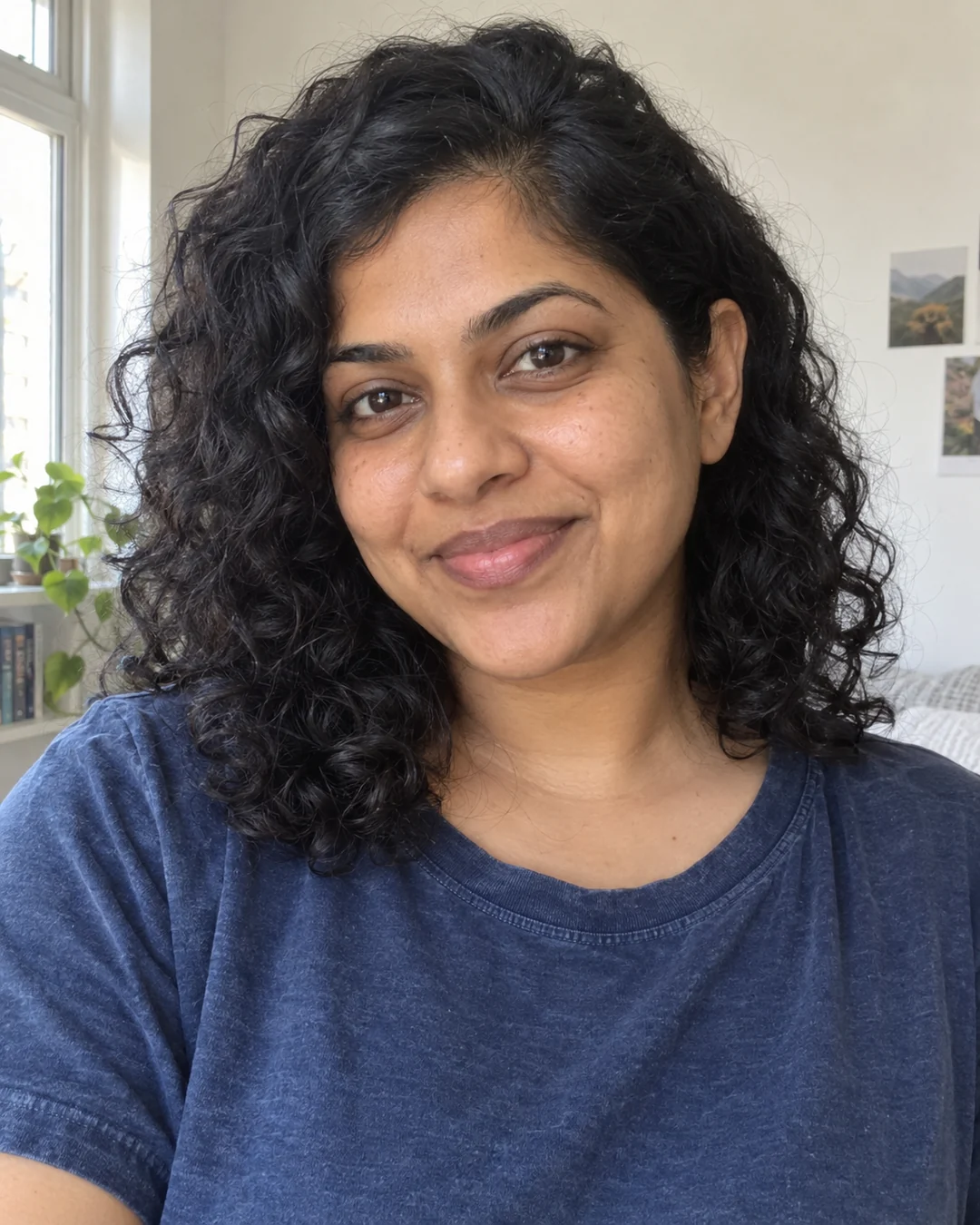 BeforeAfter
Upload a clear portrait and choose Navy business, Smart casual or Creative to generate a professional-looking headshot. Sevli uses your face as the visual reference while adjusting clothing, background and lighting. This is a generated portrait, not an exact identity-preserving retouch. Check likeness and small facial details before using it on a profile or résumé.
Choose a clear JPG, PNG or WebP image, up to 10 MB. Your original file stays unchanged.
Choose the available options and generate. This is a single edit, with no model selection needed.
Review the result in place, compare it with your upload, then download. Return to Examples whenever you like.
Upload a clear portrait with your face and shoulders visible, then choose Navy business or Smart casual for a professional profile. Generate, compare your likeness and download. Check facial details before using it on LinkedIn; this is not an identity-verified photo.
Face details may vary. These are creative headshots, not certified passport or ID photos.
Avoid heavy filters, hidden faces or group photos. A straightforward portrait provides a better identity reference.
A clear JPG, PNG or WebP image up to 10 MB. Choose a reference appropriate to this task.
Face details may vary. These are creative headshots, not certified passport or ID photos.
These are generated professional portraits for profiles, resumes or presentation drafts. Facial details may vary, and the tool does not certify official ID requirements.
These tools run one task at a time. Open Create to upload an image and refine it through conversation.
Open Create