
AI photo editing tools
Choose the edit you need. Each tool handles one task; use Create for changes you want to refine in conversation.
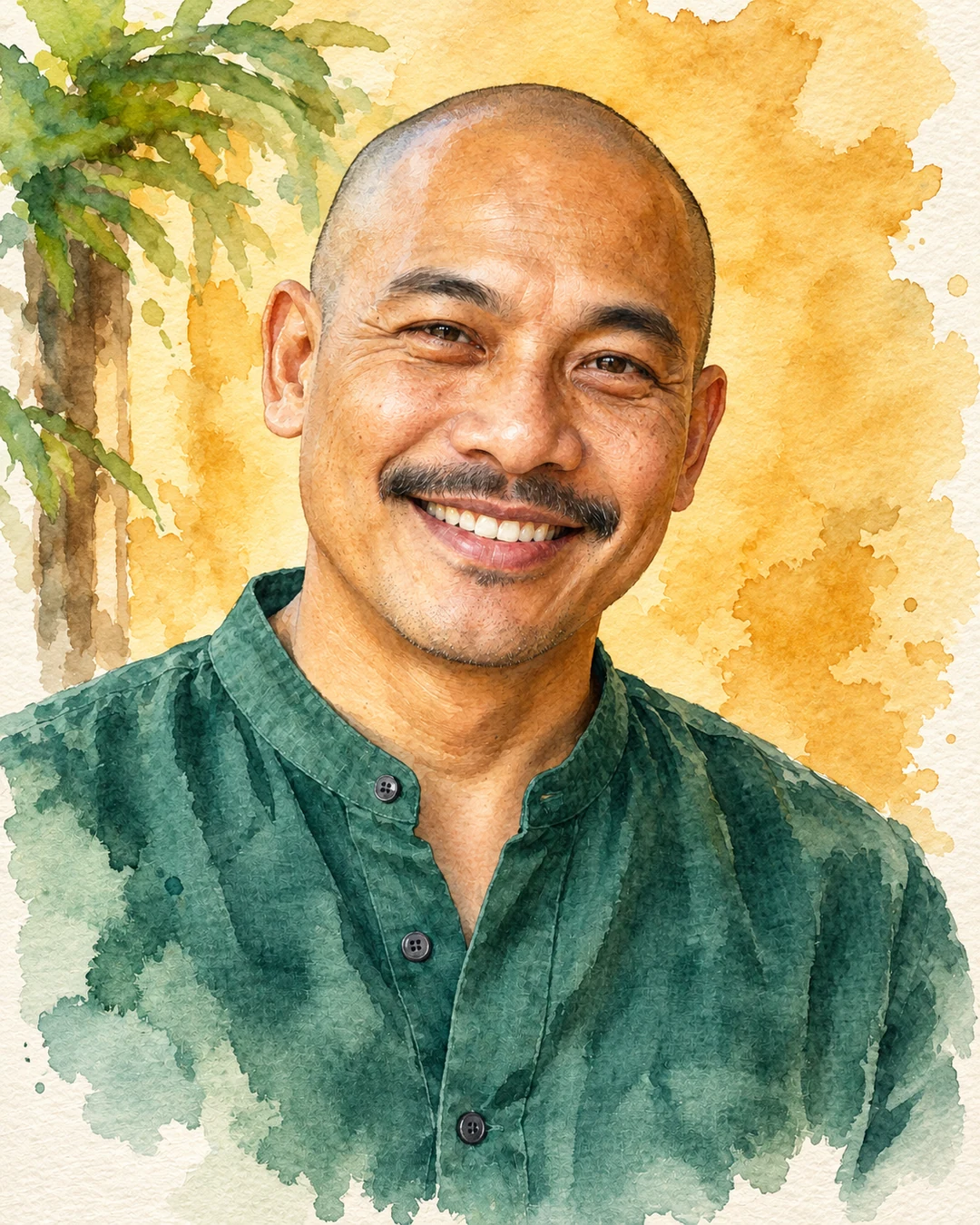
Style transfer
Turn a photo into watercolor, oil painting, anime or a pencil sketch while keeping its subject and composition.
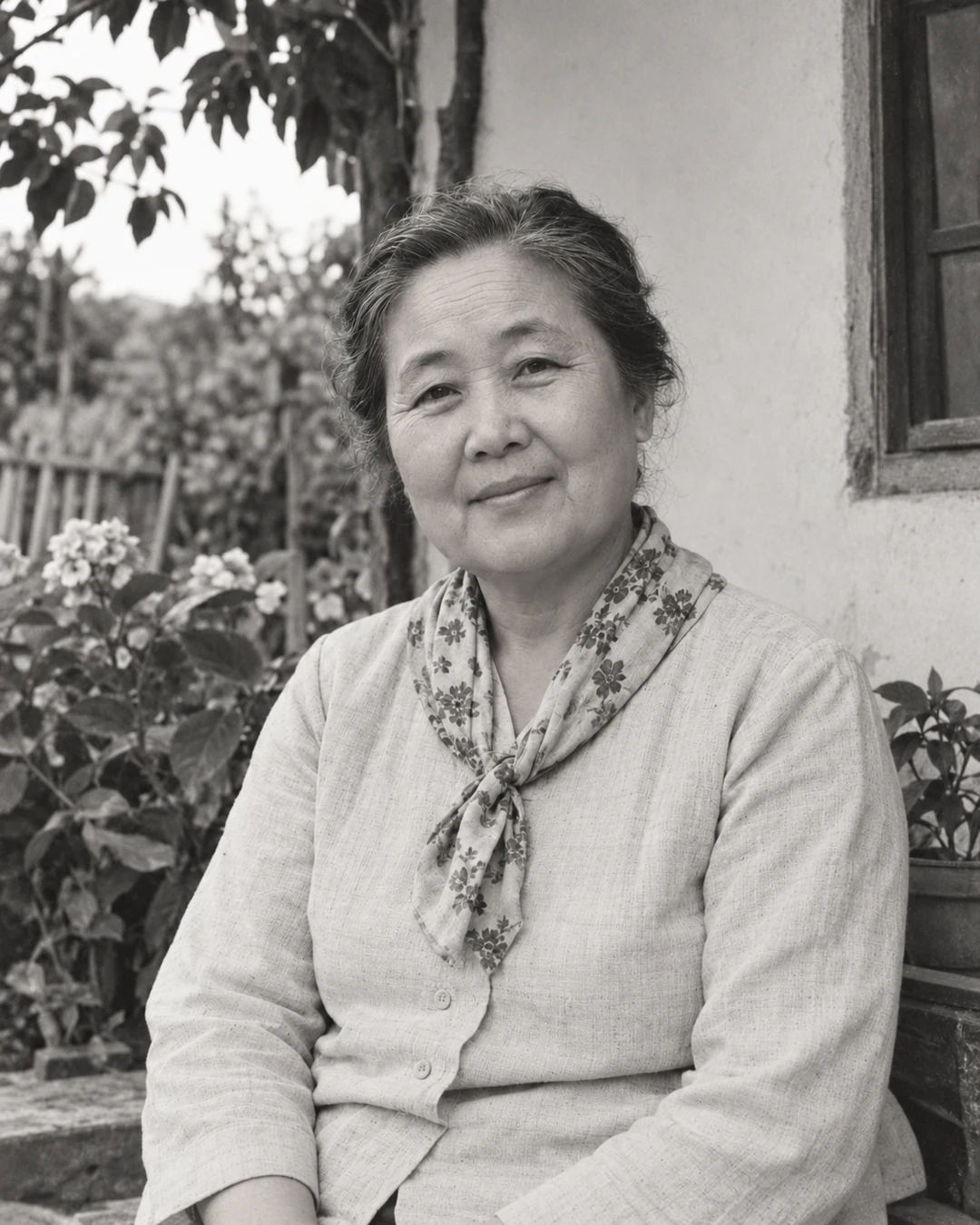
Old photo restoration
Repair scratches and fading in old photographs. Keep the original palette or add restrained, natural-looking color.
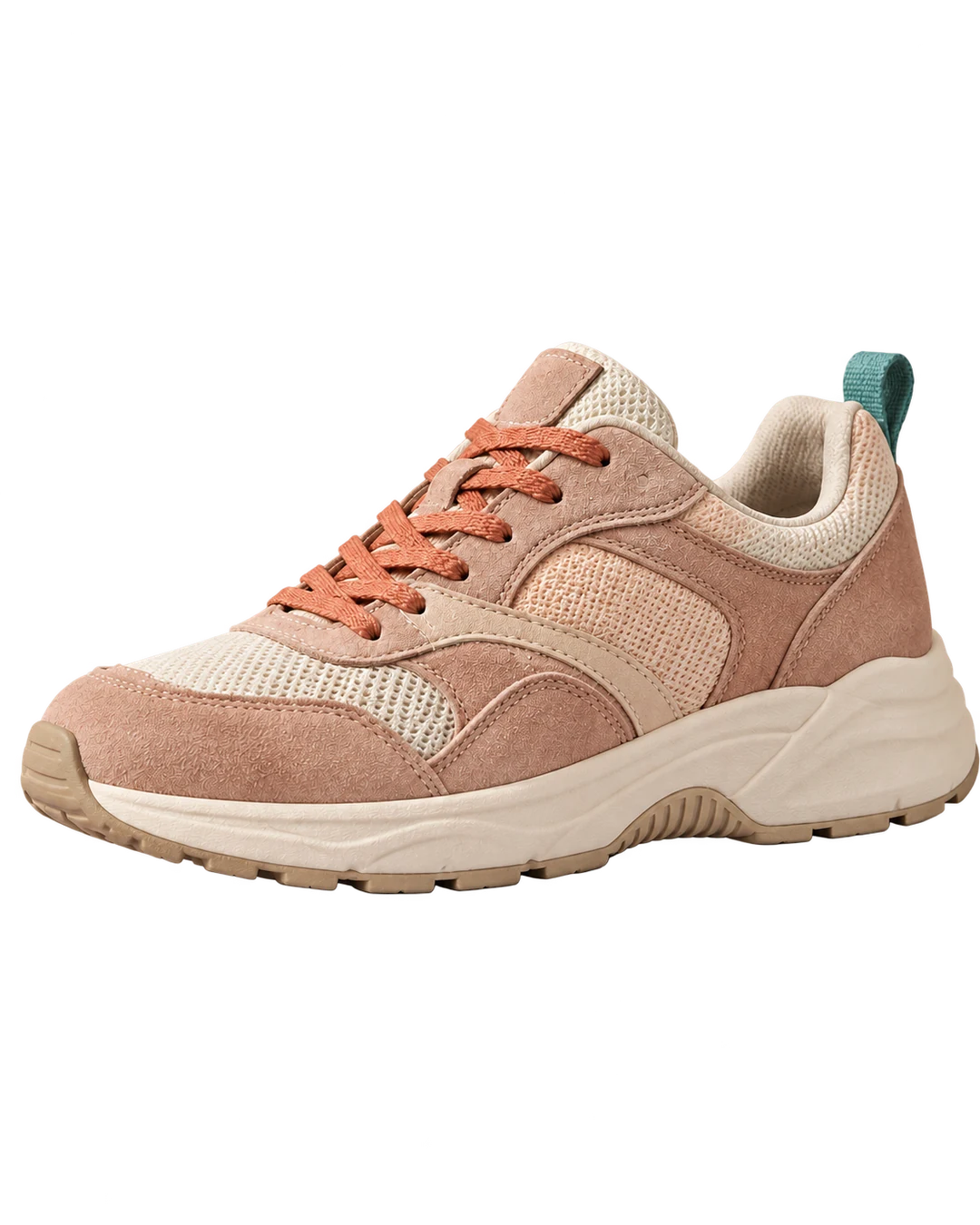
Remove background
Isolate a person or product from its background and download a transparent PNG for your next design.
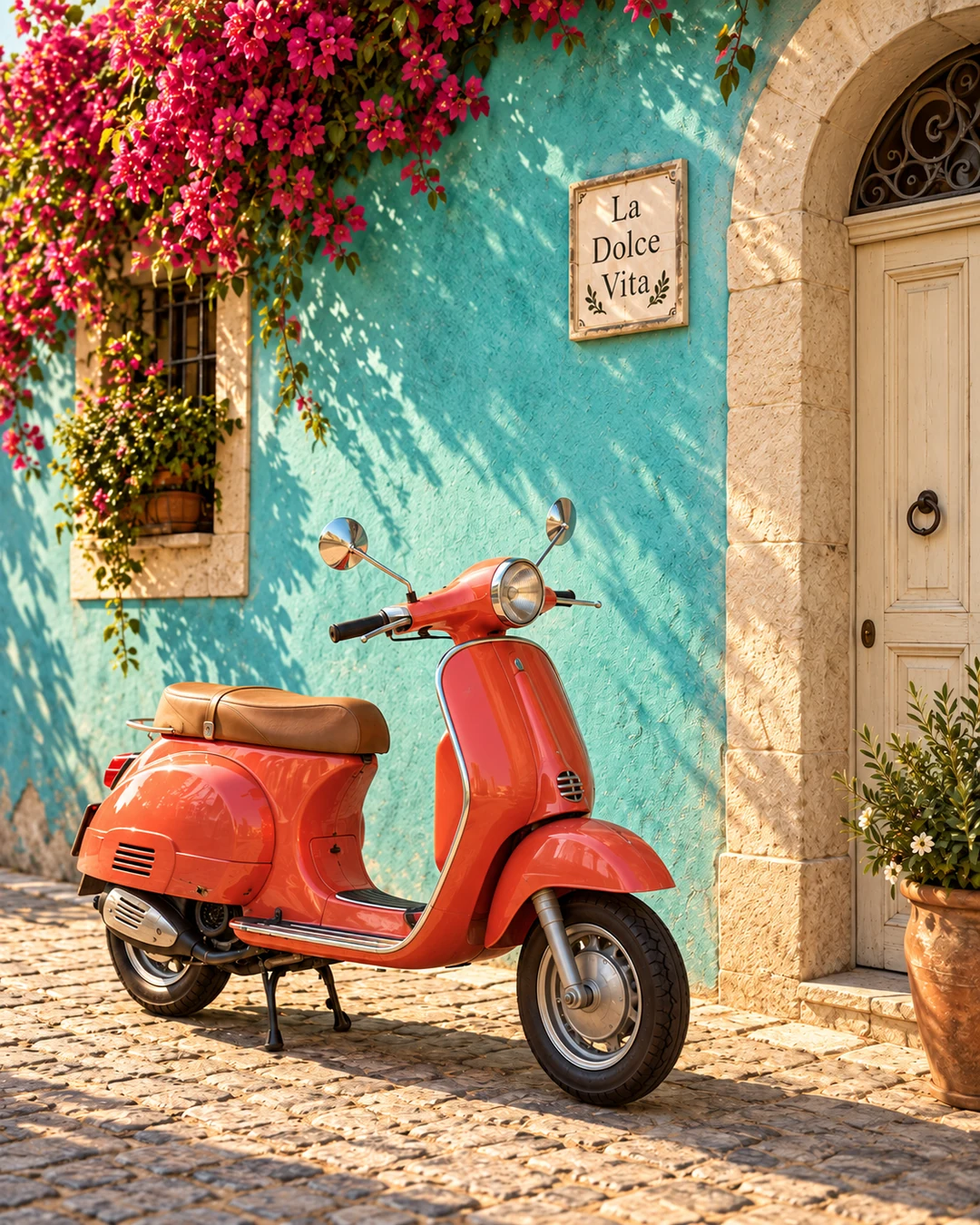
Watermark remover
Clean up a text overlay, date stamp or watermark on one photo. Upload your image, generate a new version, then compare and download.
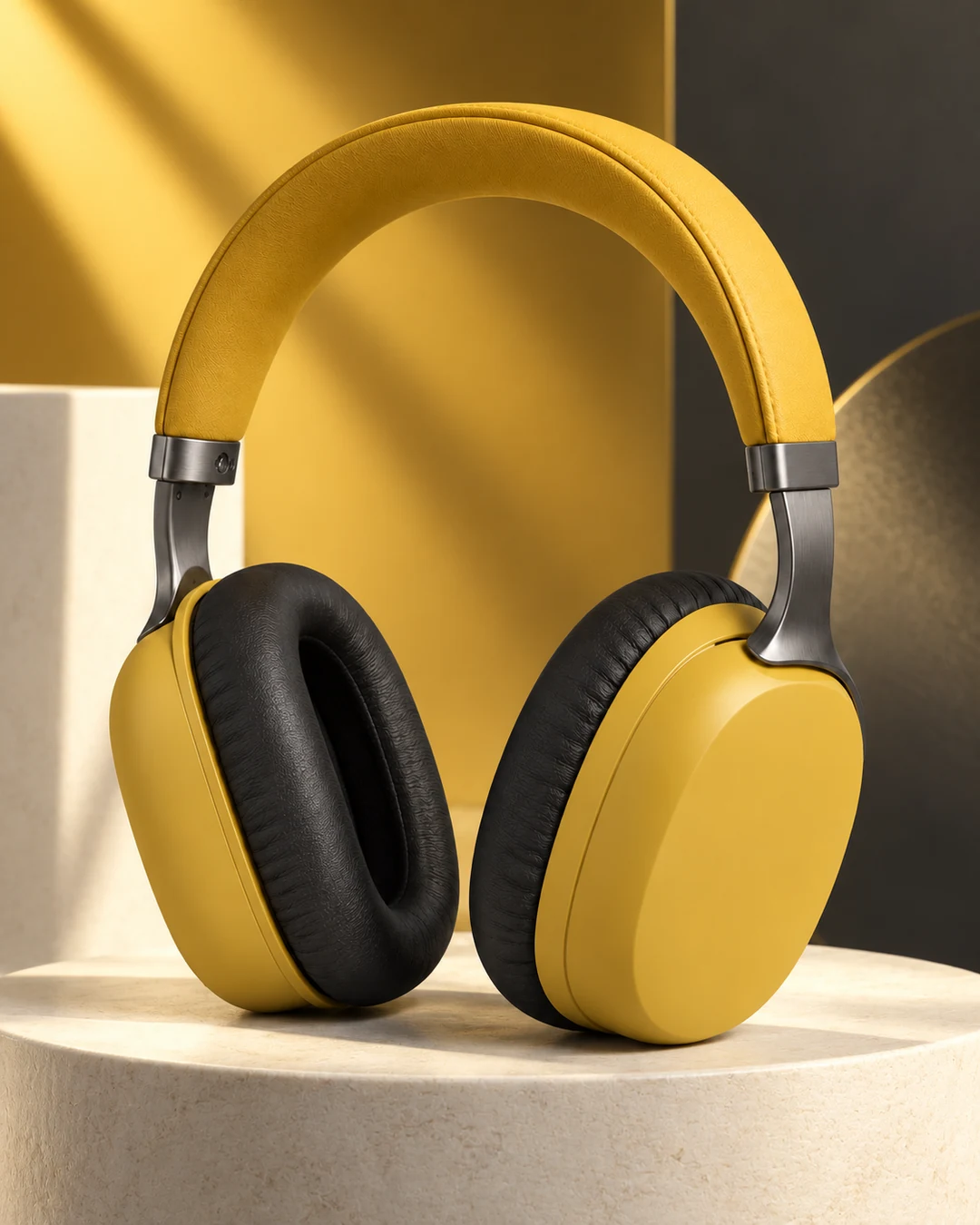
Product photography
Upload a product photo and create studio, white-background or botanical lifestyle images. Keep the product at the center.
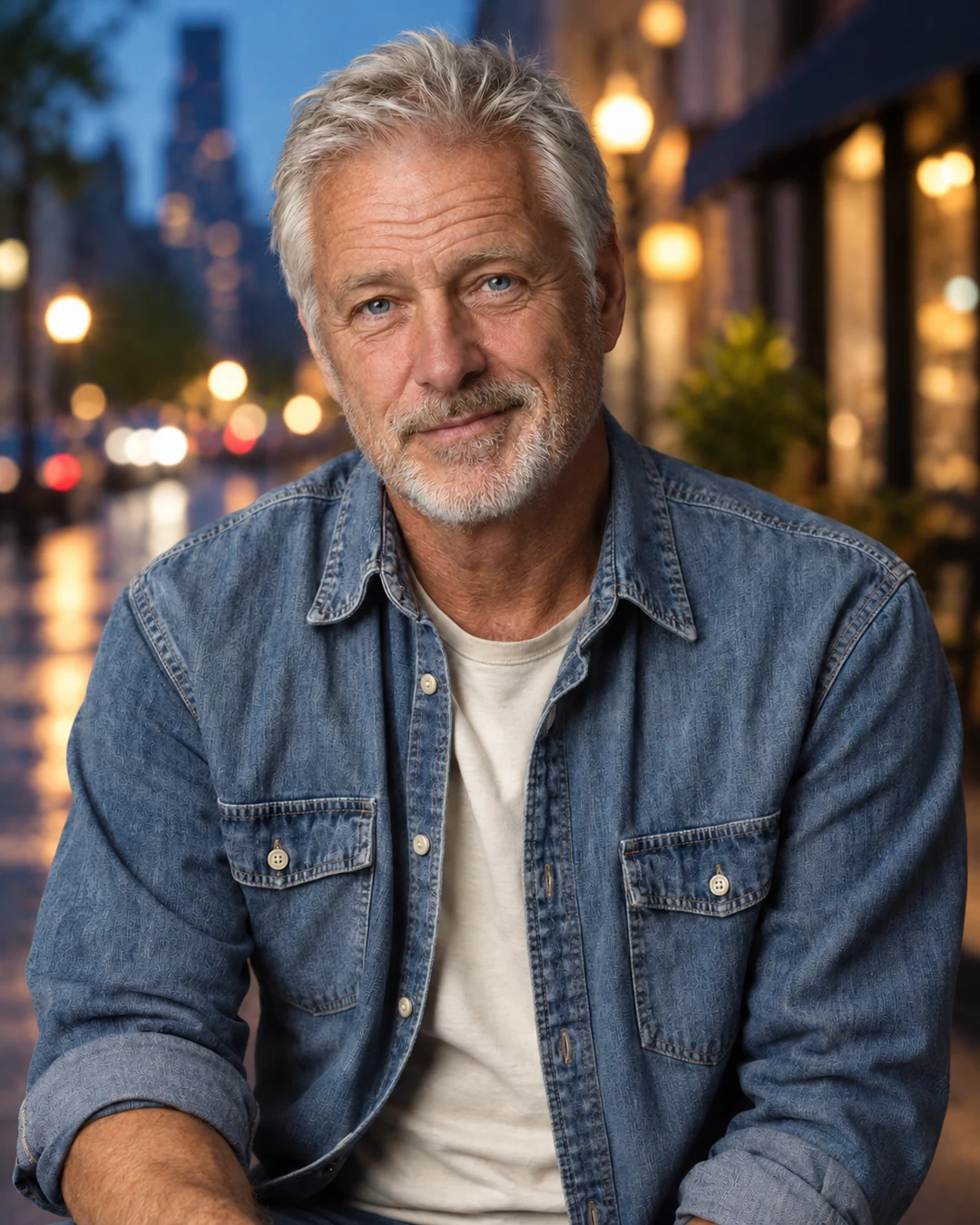
Replace background
Give your photo a new setting while asking AI to preserve its subject, pose and clothing.
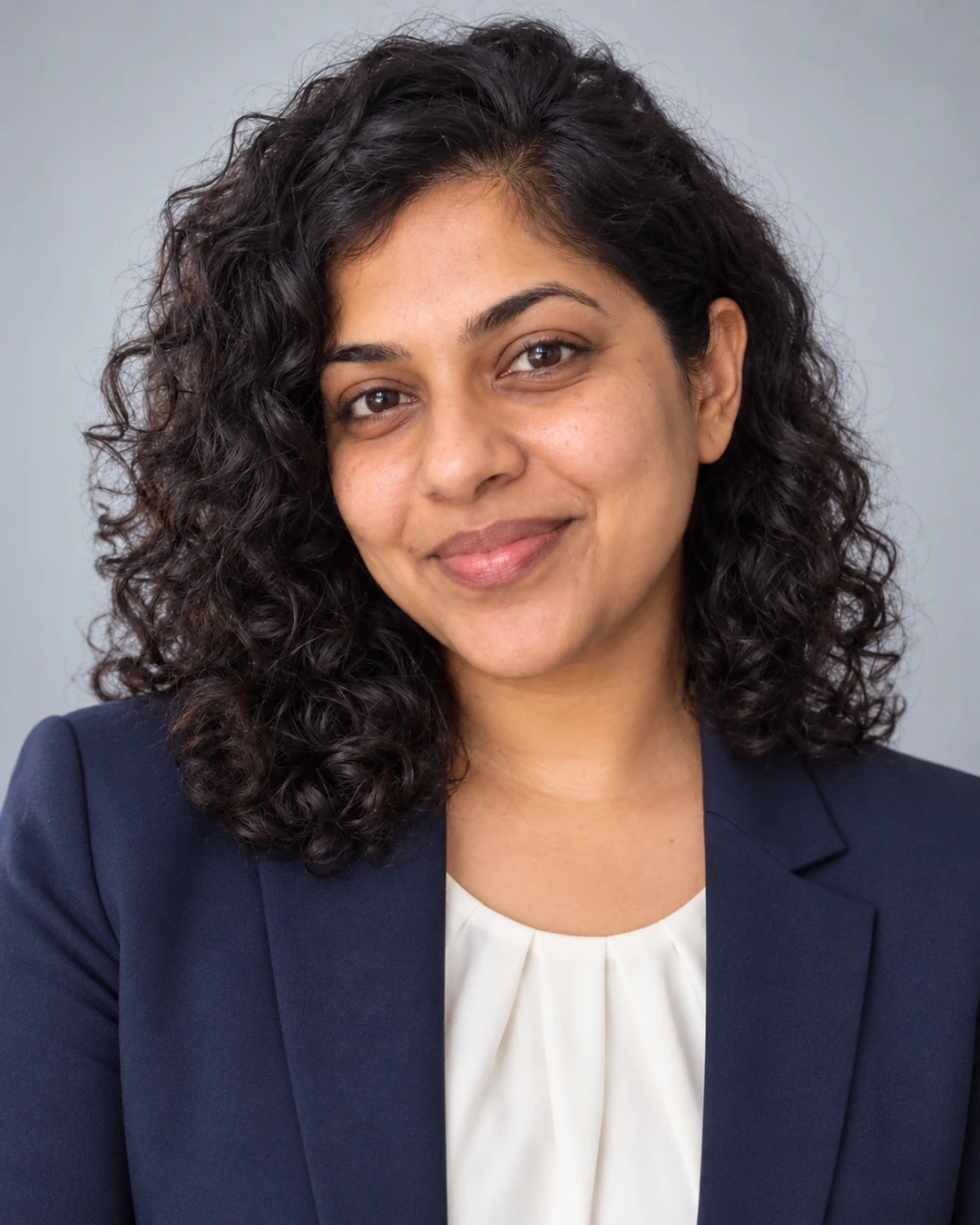
Professional headshots
Turn a portrait into a polished professional headshot. Choose a look and keep your identity as the visual anchor.
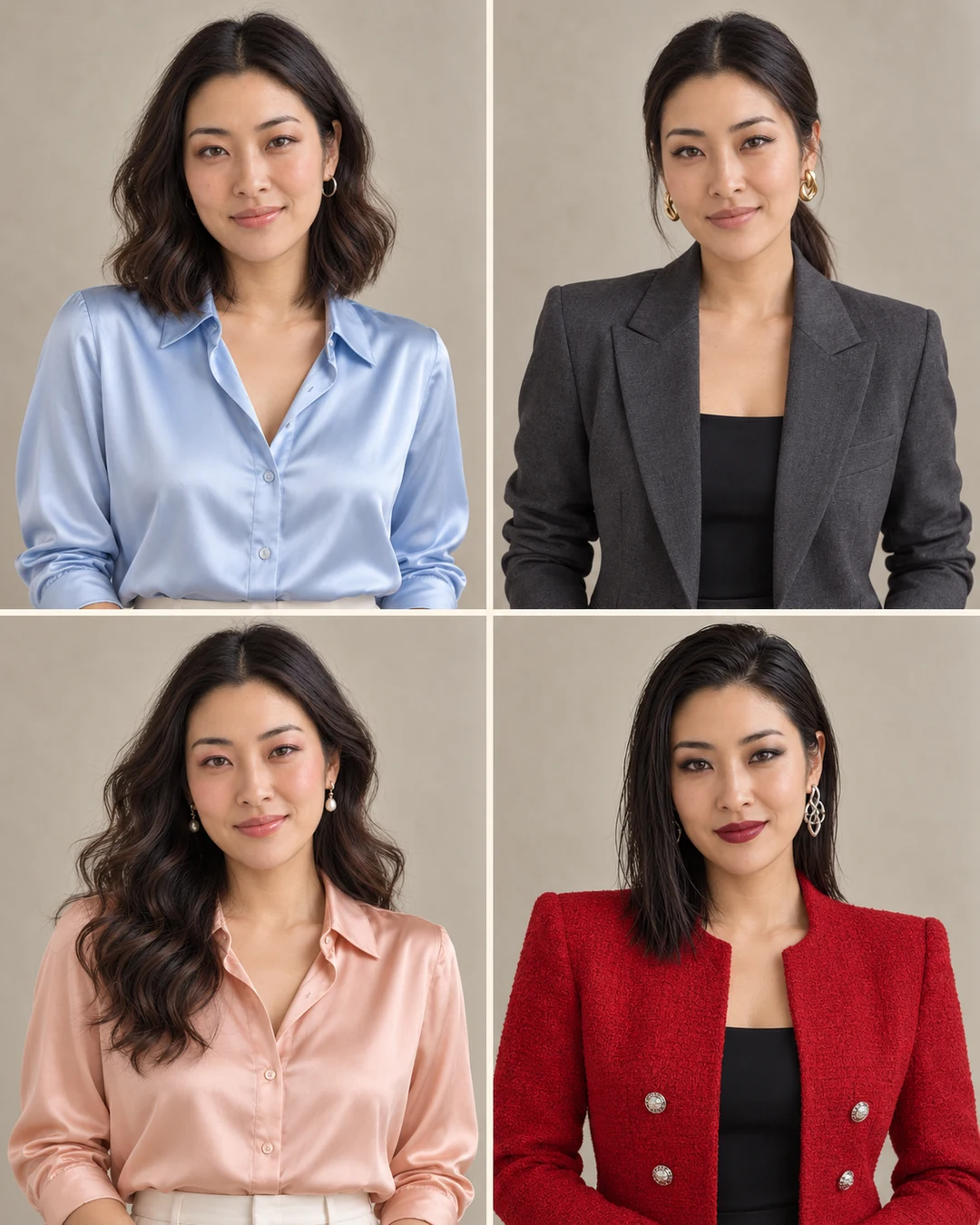
Style makeover
Explore coordinated makeup, hairstyles, outfits and accessories from one portrait. Generate a four-look style board or choose one complete look.
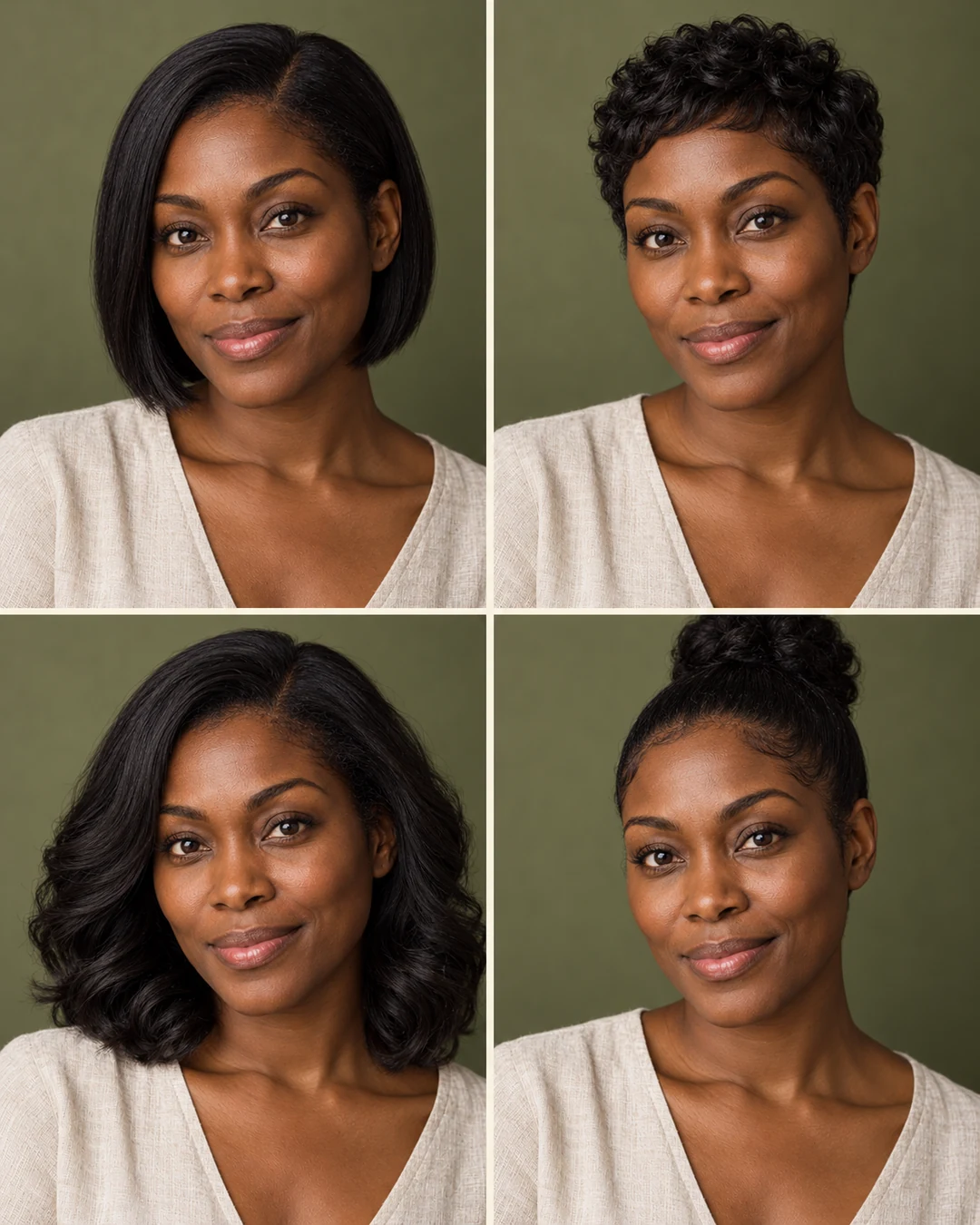
Hairstyle preview
Try a bob, pixie, waves or a high bun using your face, outfit and original scene as references.
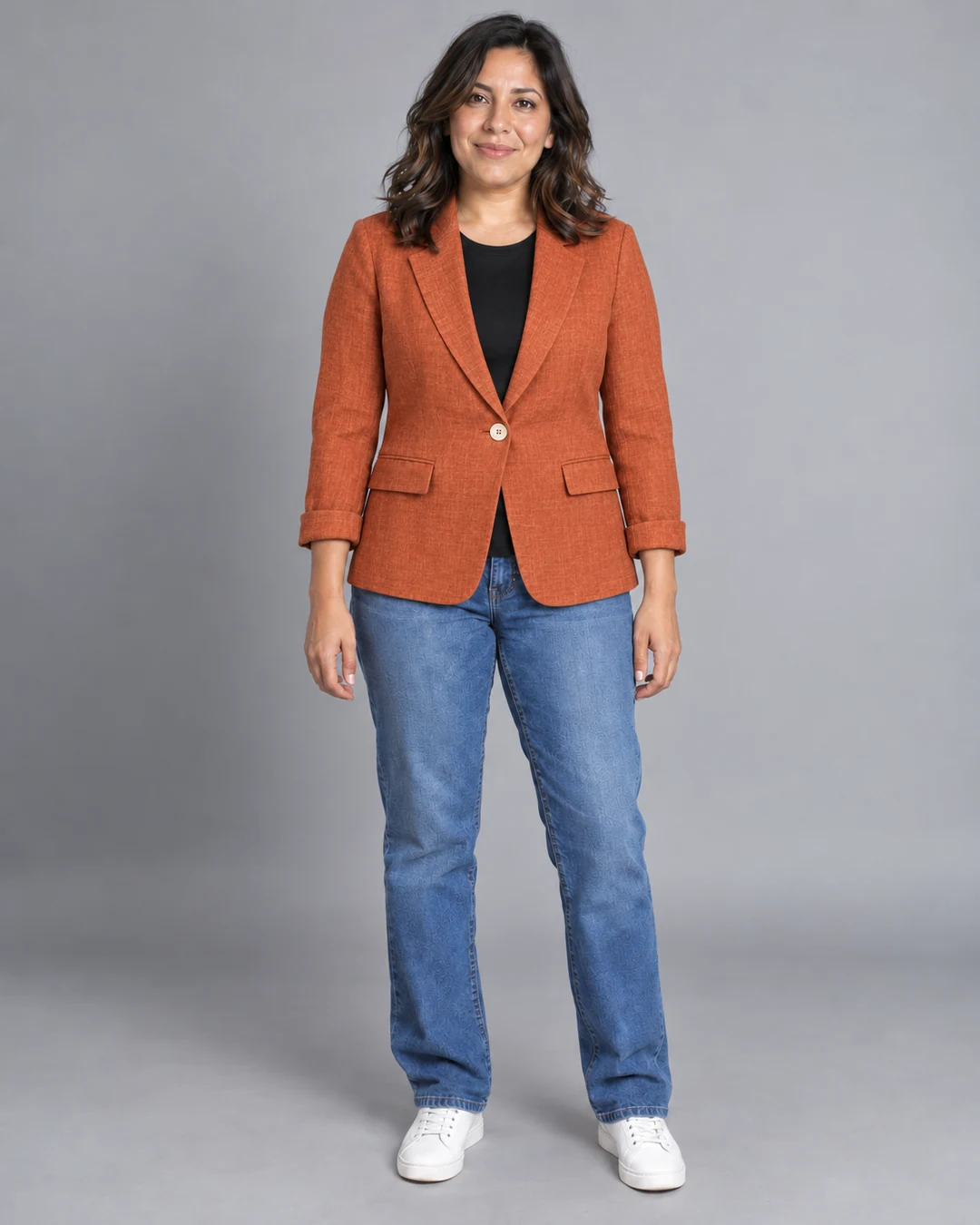
Virtual try-on
Upload a person and a garment separately. Create an outfit preview with both references in one operation.
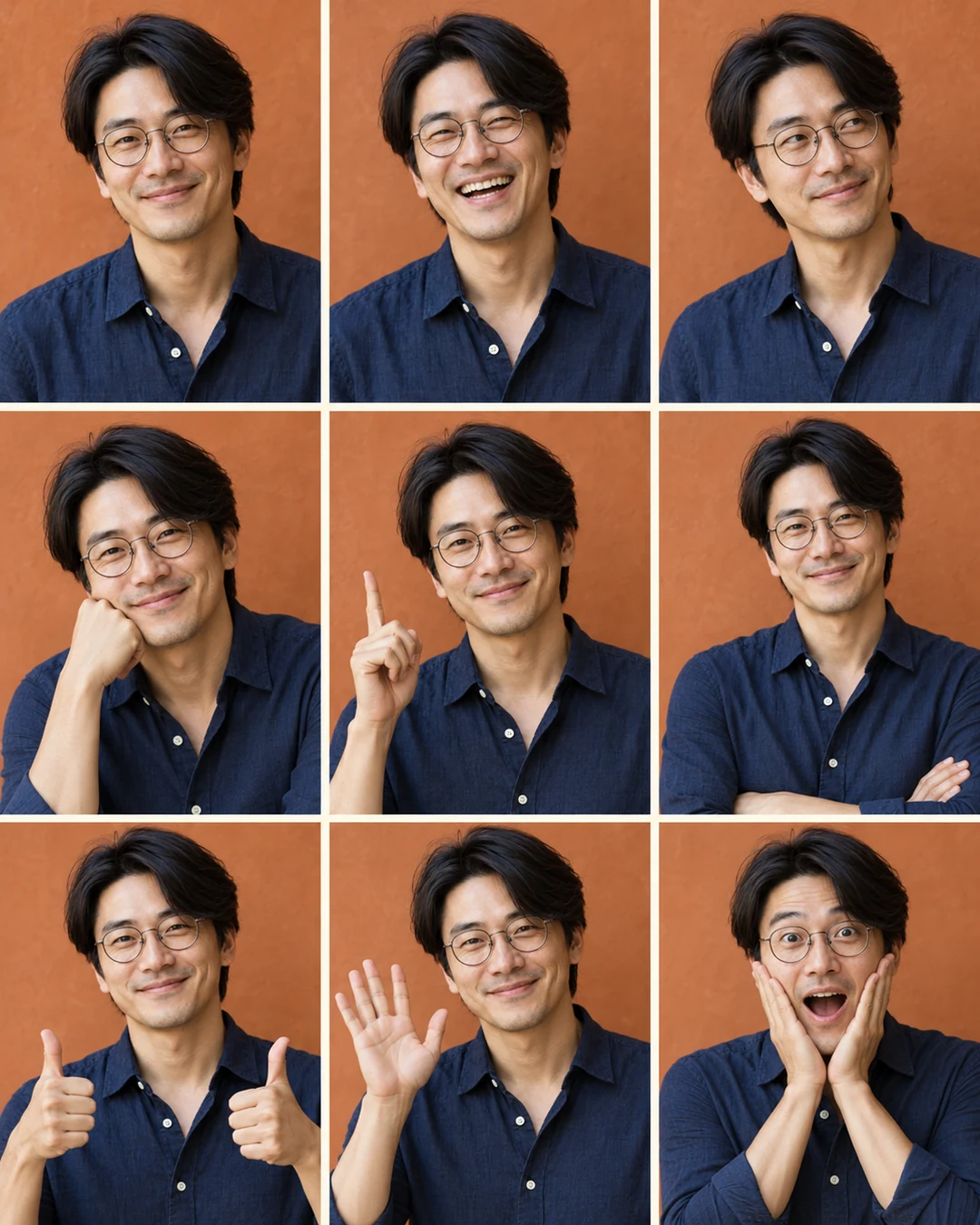
Creative effects
Make a 3×3 photo booth, an expression sheet or a pet figurine from one reference image. One preset, one generation.
Which tool should I use for a specific photo edit?
Choose from eleven focused tools in Sevli. Remove background produces a transparent PNG; Replace background creates a new scene. Style transfer changes the rendering style, while Makeover explores coordinated looks and Virtual try-on uses a garment you upload. Each tool runs one task with fixed presets where available. For multi-step changes through conversation, use Create.