
Upload your image
Choose a clear JPG, PNG or WebP image, up to 10 MB. Your original file stays unchanged.
Repair scratches and fading in old photographs. Keep the original palette or add restrained, natural-looking color.
Sign in before adding your photos. You can explore the example effects now; your selected effect will be kept.
15 credits per image
Photos are sent for processing when you run a tool. Privacy details
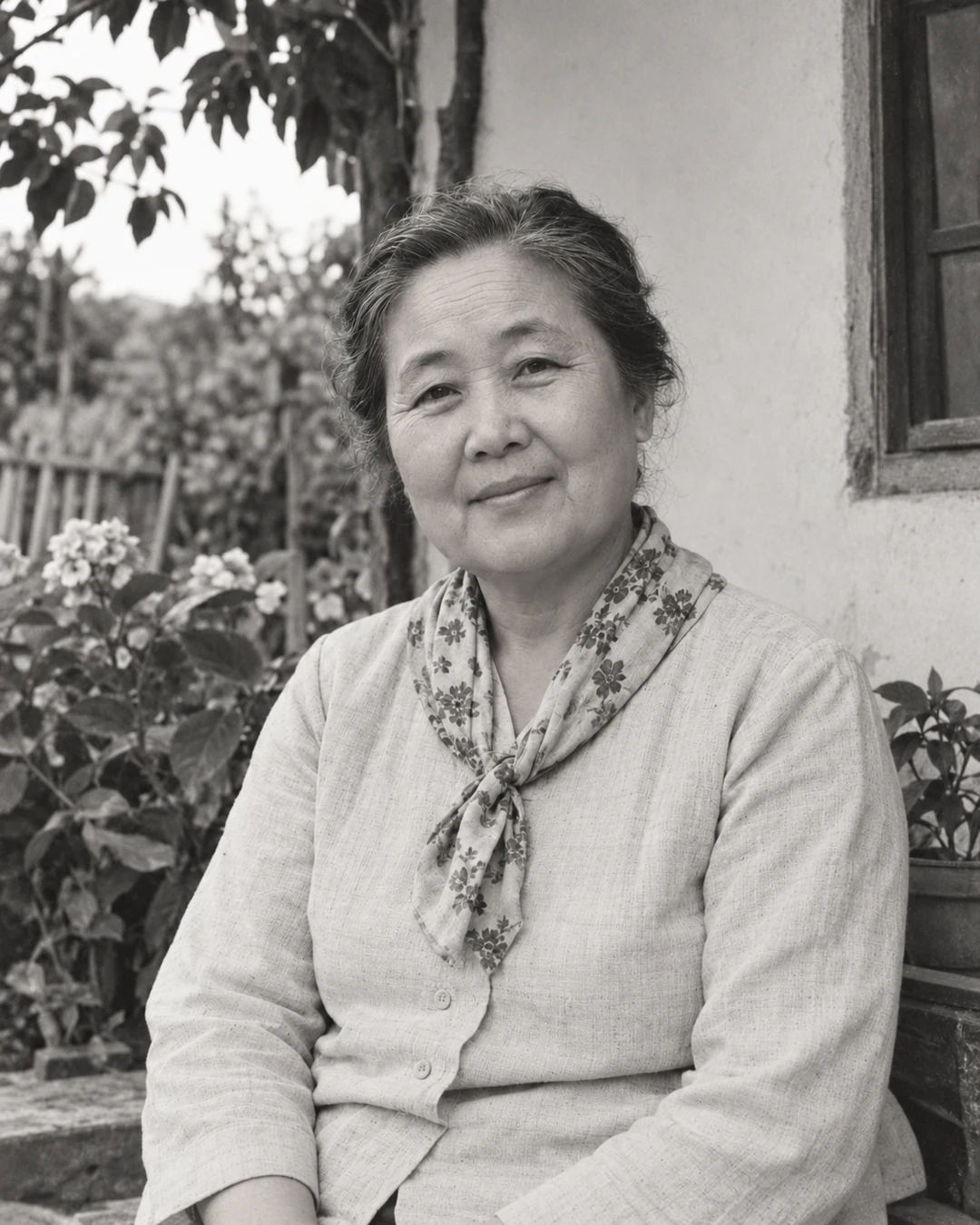
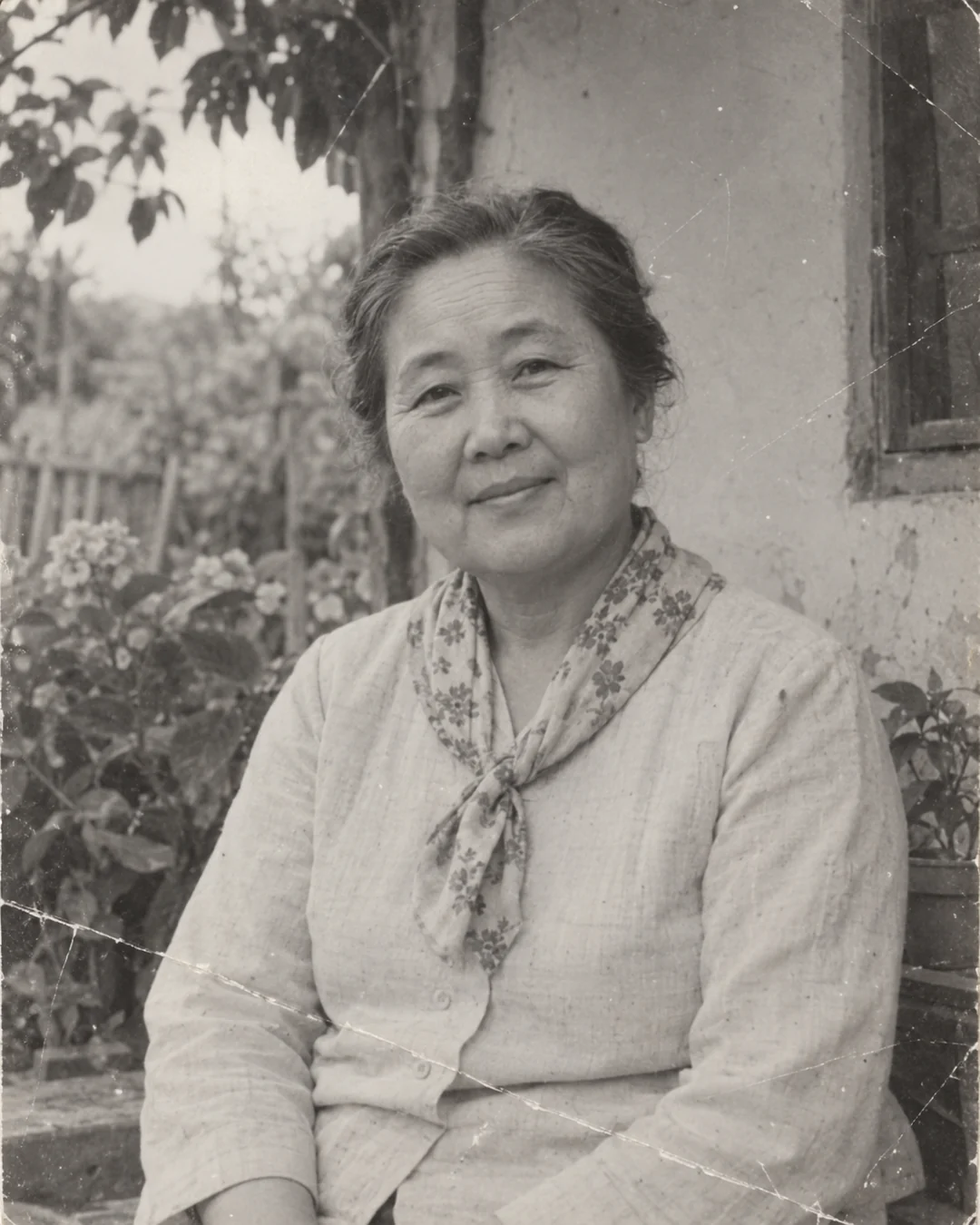 BeforeAfter
Upload a scan or a clear photograph of the original, then choose whether to keep its original colors or add color. Sevli uses AI to reduce scratches, fading and noise and produces a new image for comparison and download. Added colors and reconstructed details are interpretations, not verified evidence of how the original scene looked.
Choose a clear JPG, PNG or WebP image, up to 10 MB. Your original file stays unchanged.
Choose the available options and generate. This is a single edit, with no model selection needed.
Review the result in place, compare it with your upload, then download. Return to Examples whenever you like.
Upload a clear scan or photograph and select Keep original colors. The tool requests repair of scratches, fading and noise without a new palette. It reconstructs details with AI; preserve the original file and check faces and fine elements in the result.
Keep the original palette or request natural colorization alongside repair.
The edit prioritizes facial identity, clothing and composition over a new interpretation.
A clear scan works best. You can also photograph the print evenly, avoiding glare, shadows and a strong angle.
No. AI estimates damaged areas from visible context. Severely missing faces or objects may be reconstructed inaccurately; keep the original as your reference.
Yes. Choose Keep original colors. Restore & colorize creates plausible colors from visible context; it cannot verify the original colors of clothing or objects.
These tools run one task at a time. Open Create to upload an image and refine it through conversation.
Open Create