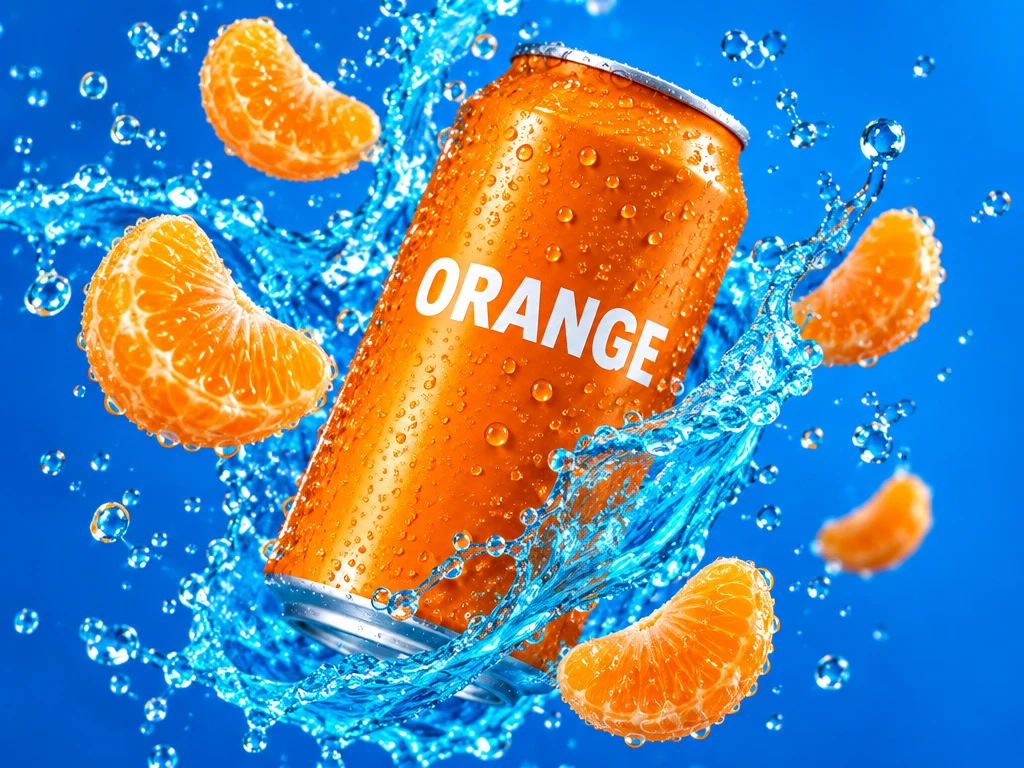
An energetic premium beverage advertising photograph: one vibrant orange aluminum soda can suspended diagonally in midair, a vivid cyan splash curling around it, floating fresh mandarin slices and sparkling water droplets. Bold electric-blue background, hard studio light, sharp macro textures and glossy condensation. Only the word ORANGE in clean bold white lettering on the can. Dynamic sculptural composition with depth and real fluid motion; fill the frame with color without clutter. No additional lettering or brand logos. Horizontal 4:3 composition.
Getting started with GPT Image 2.5 Flare
A starting point
Describe what is moving and where it belongs. Here, the can, fruit and water each have a clear place in the composition.
Useful to know
Medium is a useful starting point for composition. Changing quality, ratio or references updates the credit quote before you submit.
Settings and credits on Sevli
1K / 2K / 4KUp to 6 reference images
Resolution
Generate · credits / image
Edit with 1 reference · credits / image
1K
12
22
2K
23
33
4K
37
47
Table quotes are for one image at 1:1, Medium where available. A different ratio, quality, image count or number of references can change the quote. Check the composer before submitting.
Questions about GPT Image 2.5 Flare
Where can I use GPT Image 2.5 Flare online?
You can use GPT Image 2.5 Flare on Sevli at sevli.app. This page opens the generator with GPT Image 2.5 Flare selected. Sign in, enter a prompt or upload a reference, check the credit quote, and generate.
How many credits does GPT Image 2.5 Flare use?
A default 1K, 1:1 image without references uses 12 credits on Sevli. Other settings can change the quote; see the settings table and the composer for your request.
Can I edit an image with GPT Image 2.5 Flare?
Yes. Upload a reference image and describe what to change and what to preserve. This integration accepts up to 6 references. Reference inputs may change the credit quote.
Will my image have a watermark?
Images from accounts that have not made a qualifying payment carry the Sevli watermark. Accounts with a completed qualifying subscription or credit-pack payment receive images without the visible Sevli watermark. Provider-specific provenance markers may remain.