
Upload your image
Choose a clear JPG, PNG or WebP image, up to 10 MB. Your original file stays unchanged.
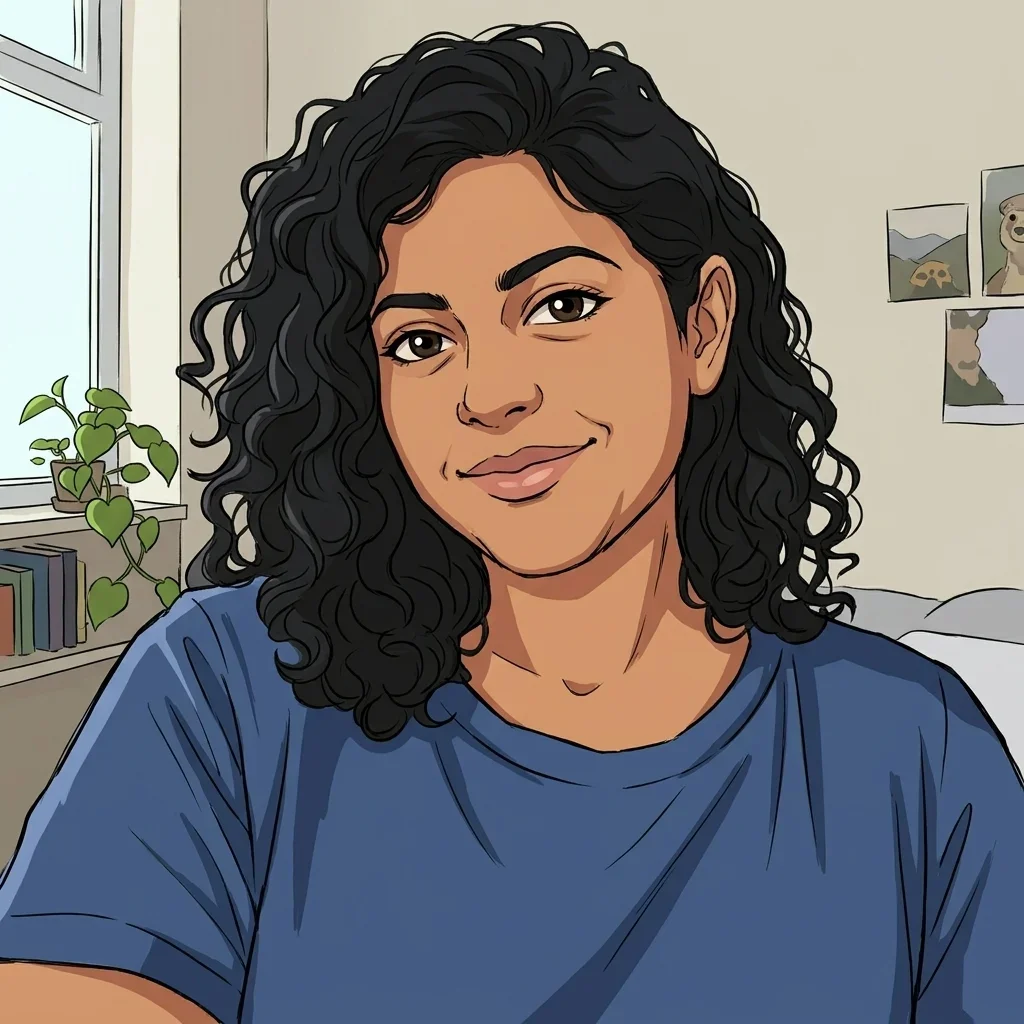
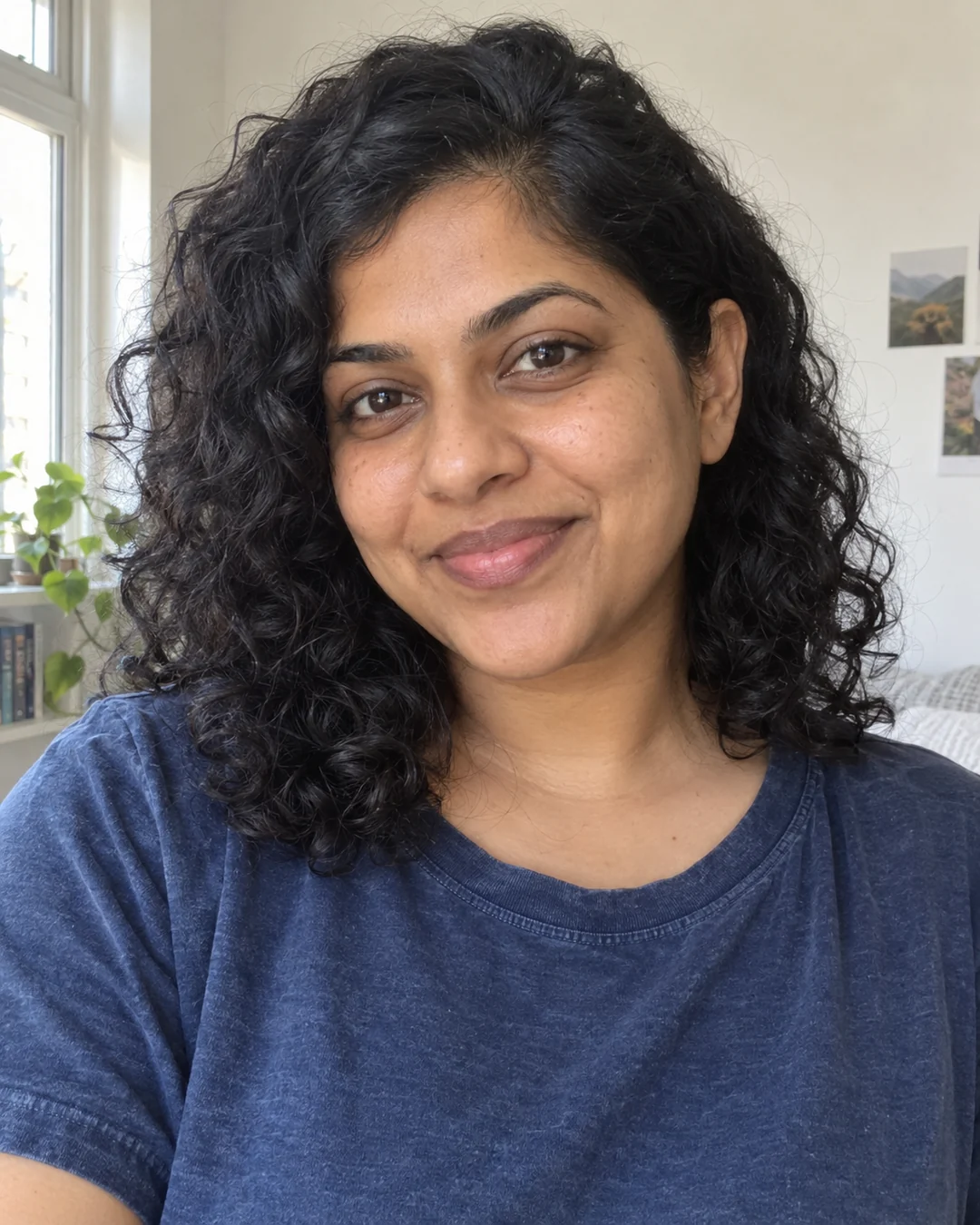
Turn portraits and everyday photos into anime, comics or 3D cartoons with recognizable faces and poses.
Upload a photo, choose anime, comic or 3D cartoon, and keep the original setting or simplify the background. Compare, download or continue editing your result.
Choose a clear JPG, PNG or WebP image, up to 10 MB. Your original file stays unchanged.
Choose the available options and generate. This is a single edit, with no model selection needed.
Review the result in place, compare it with your upload, then download. Return to Examples whenever you like.
Explore anime cel shading, comic ink and halftones, or sculpted 3D cartoon materials.
Use the original face, hairstyle, clothing colors and pose as the foundation.
Illustrate the original setting or choose a simple backdrop that puts the subject first.
Anime uses expressive linework and cel shading; comics use bold outlines, flat colors and halftones; 3D cartoons use sculpted forms, tactile materials and soft lighting.
Yes. By default the original setting is translated into the chosen style. Choose a simple background to emphasize your subject.
Choose Continue editing to bring the result into the editor and adjust colors, scenes or other details.
Open your result in the image editor to change the background, content or style.
Continue editing